| title | How to debug rules in AdGuard for Chrome MV3 |
|---|---|
| sidebar_position | 2 |
In AdGuard for Chrome MV3, the Filtering log only shows the approximate rules that were applied, which we call “assumed rules”. This is because the browser doesn’t provide details about which specific declarative rules were used unless the extension is in an “unpacked” format. To get precise information, you’ll need to install the unpacked version of the extension in your browser yourself.
These instructions are also meant for problematic cases where you want to modify the rules that are bundled with the extension statically. In most cases, using User rules in the extension should be sufficient.
-
Git: Install Git
-
Node: Install Node.js
-
pnpm: Install pnpm
-
Clone the repository:
git clone git@github.com:AdguardTeam/AdguardBrowserExtension.git
-
Navigate to the directory:
cd AdguardBrowserExtension -
Install dependencies:
pnpm install
-
Run the following command in the terminal:
pnpm dev chrome-mv3
-
The built extension will be located in the directory:
./build/dev/chrome-mv3
-
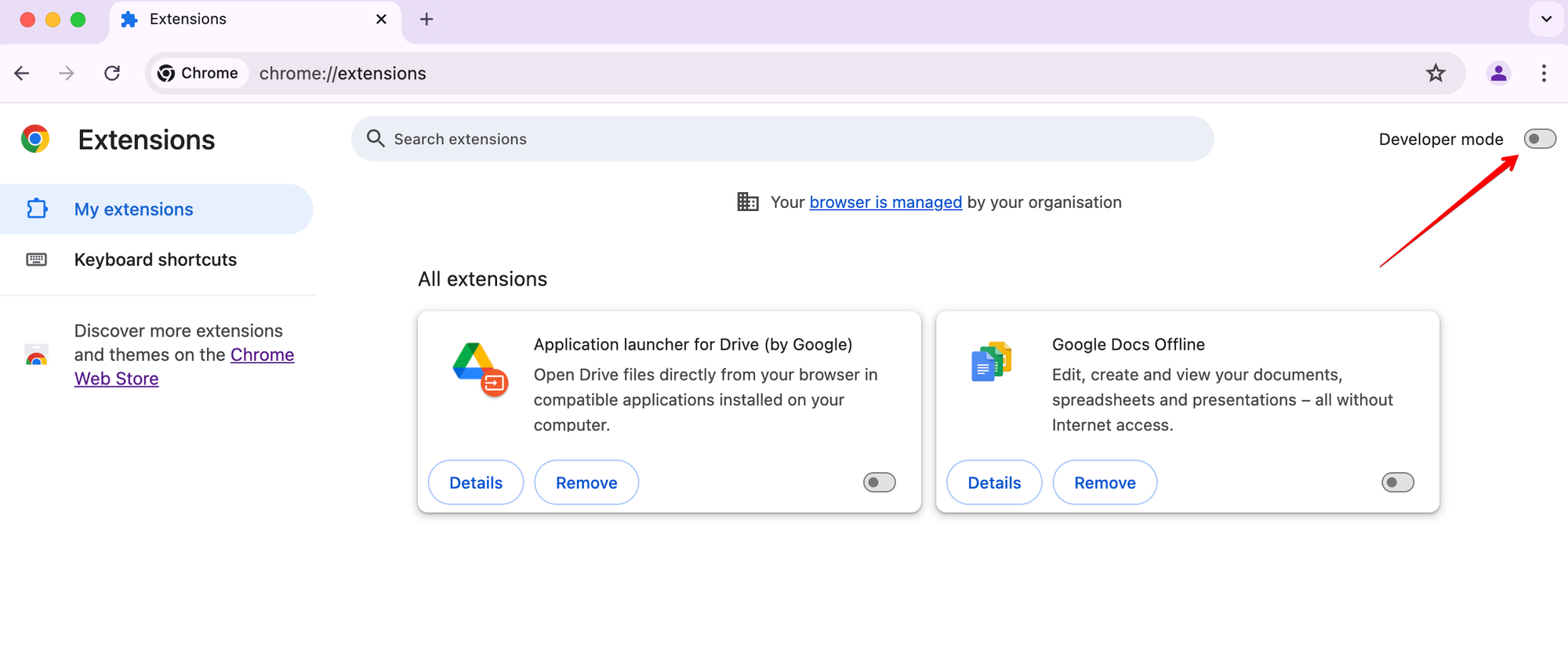
Turn on developer mode:
-
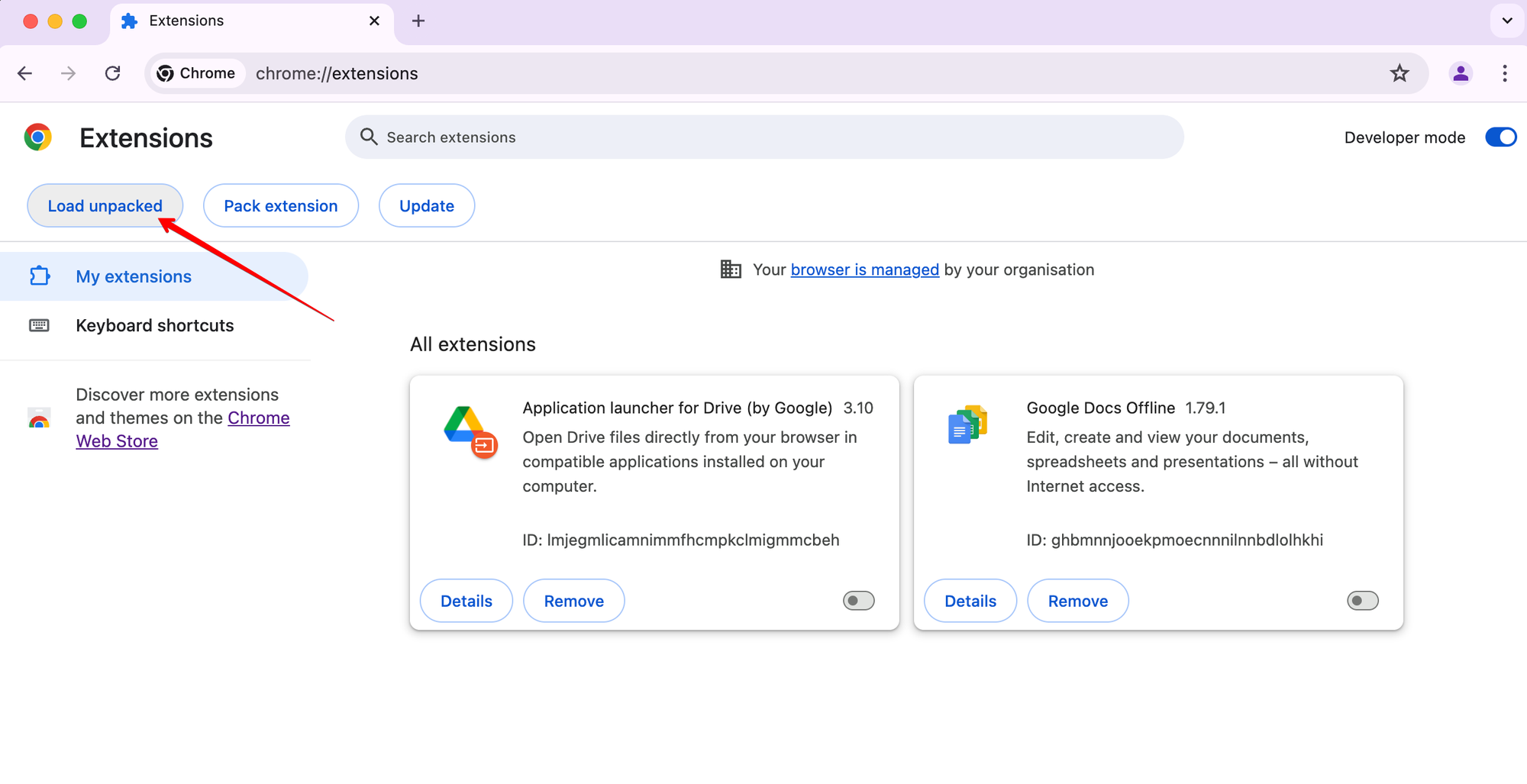
Click Load unpacked:
-
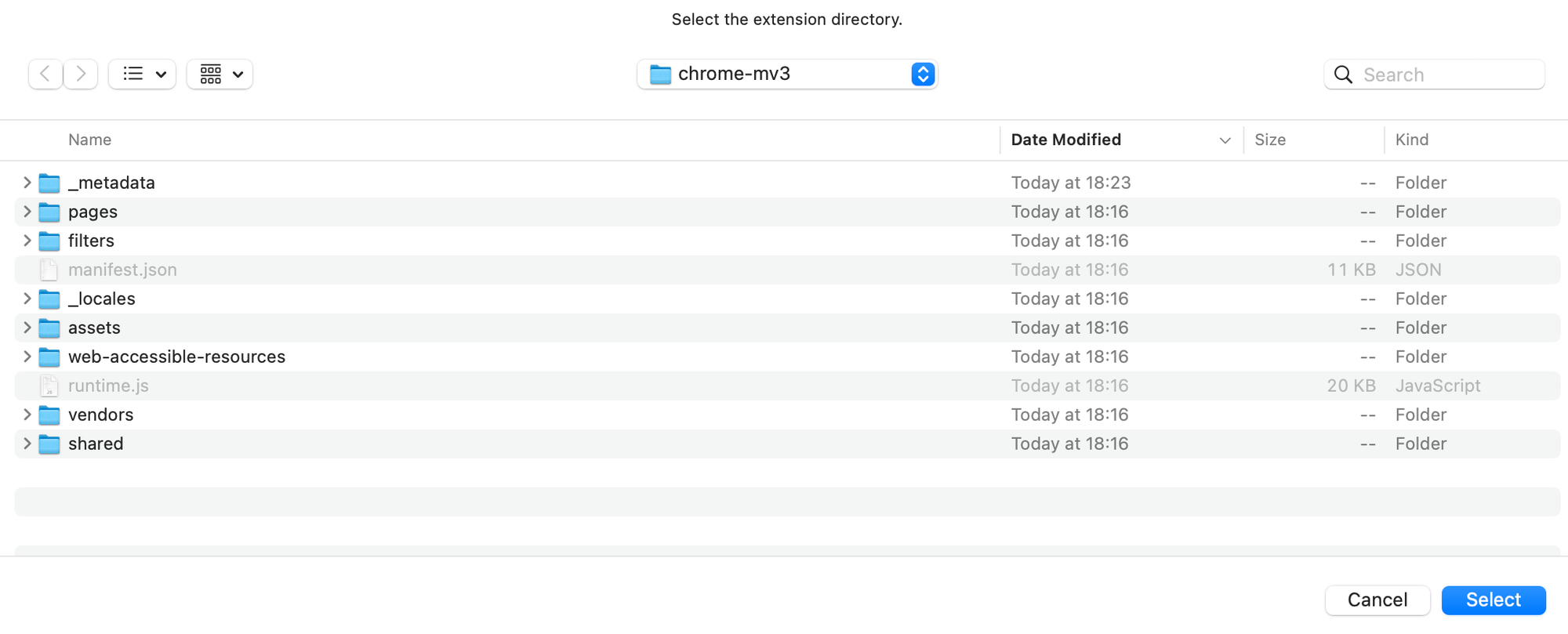
Select the extension directory and click
Select:
That’s it!
For faster development of DNR rulesets, you can use @adguard/dnr-rulesets watch mode, which will automatically rebuild rulesets whenever filter files change:
-
First, build the extension once (just skip, if you did it in the "How to build extension" section):
pnpm dev chrome-mv3
-
Start the watch mode with all required filters:
npx @adguard/dnr-rulesets watch \
    # Force update of rulesets in manifest.json
    --force-update \
    # Enable rulesets with IDs 1 and 2
    --enable=1,2 \
    # Download filters from the server on the first run
    --download \
    # Path to the extension manifest
    ./build/dev/chrome-mv3/manifest.json \
    # Path to the filters directory
    ./build/dev/chrome-mv3/filters \
    # Path to the web-accessible-resources directory
    ./Extension/web-accessible-resources \
    # Output directory for DNR rulesets
    ./build/dev/chrome-mv3/filters/declarative
The
--downloadflag will download all filters from the server on the first run. For subsequent runs, you can omit this flag to use existing filters:npx @adguard/dnr-rulesets watch \ --force-update \ --enable=1,2 \ ./build/dev/chrome-mv3/manifest.json \ ./build/dev/chrome-mv3/filters \ ./Extension/web-accessible-resources \ ./build/dev/chrome-mv3/filters/declarative -
Now, whenever you modify filter files, the DNR rulesets will be automatically rebuilt without having to rebuild the entire extension.
-
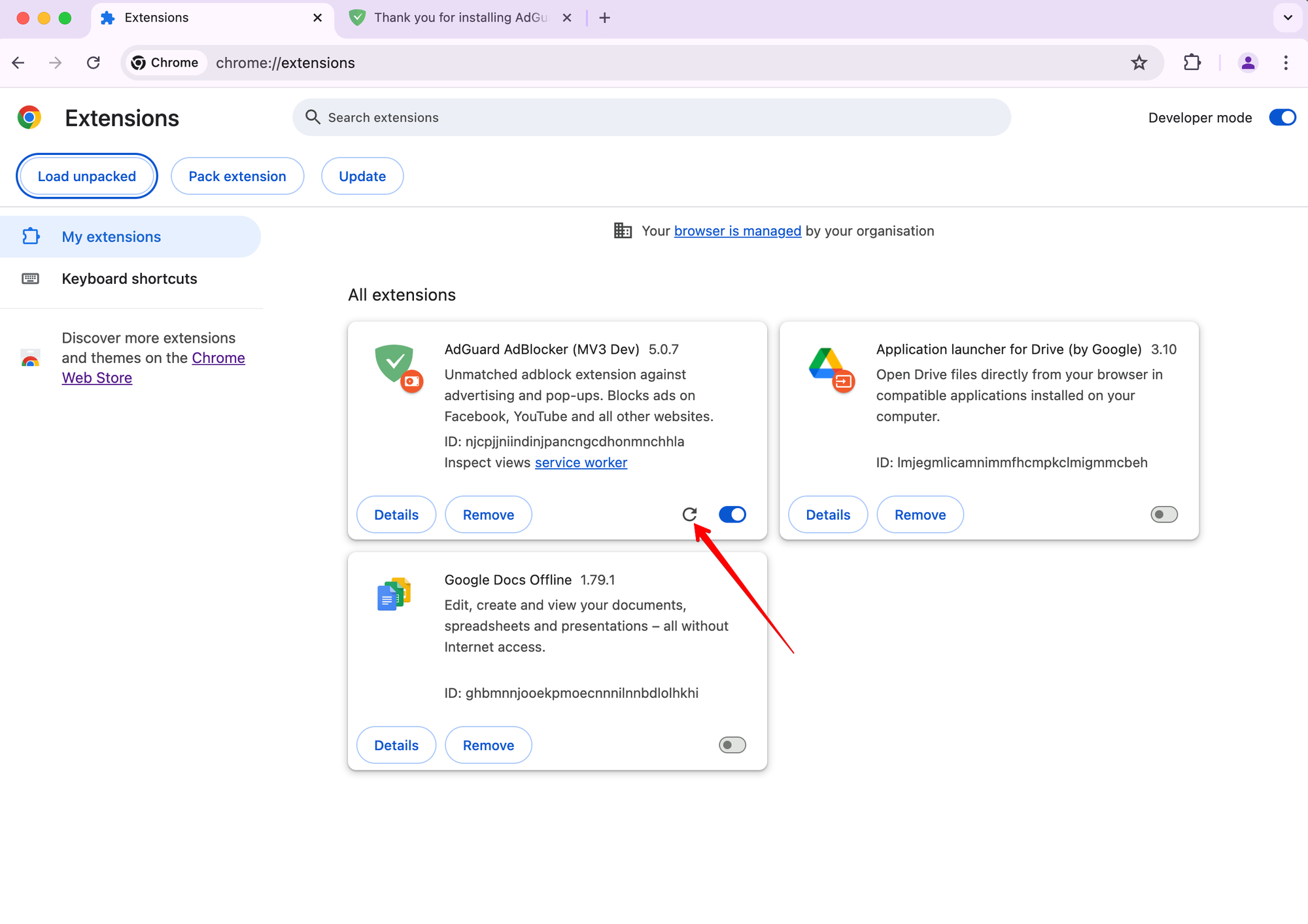
Reload the extension in the browser:
-
If you see an ❗ mark - it means that assumed rule (which we calculated with our tsurlfilter engine, which performed applying rules in MV2) and actually applied rule (from which we converted to DNR rule) are not the same. And this can be a problem of conversion.
Otherwise, if assumed and applied rules are the same - only applied rule, in raw text and declarative rule views, will be shown.