| id | api-testing-chrome-extension |
|---|---|
| title | API Test Recorder (Chrome Extension) |
| sidebar_label | API Test Recorder |
| description | Learn how to install, record, export, and auto-generate Keploy tests straight from your browser. |
import ProductTier from '@site/src/components/ProductTier';
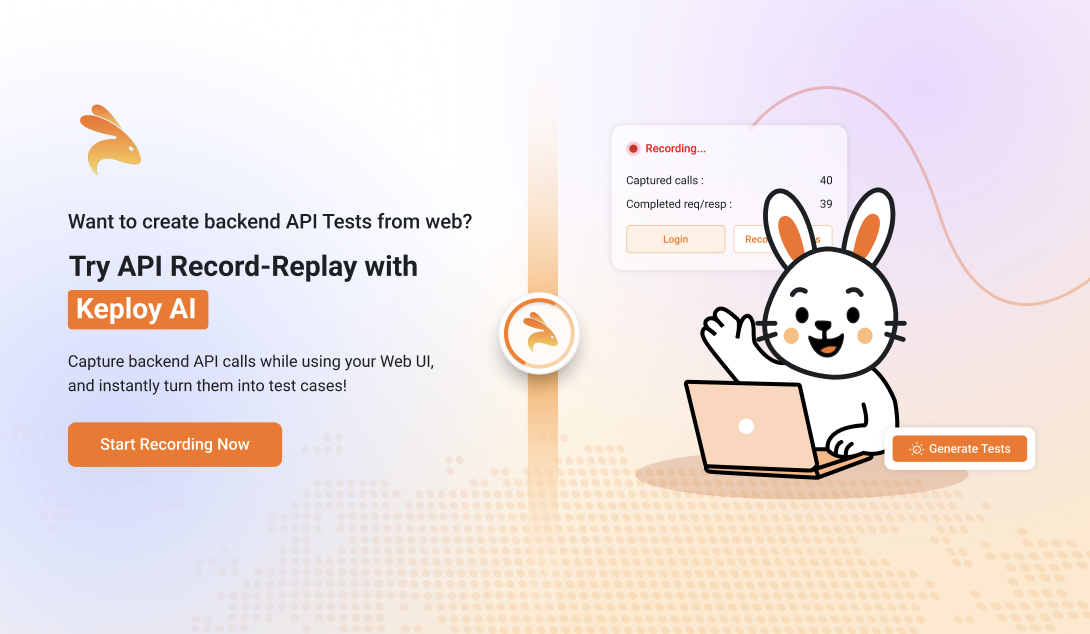
Install the extension, hit Record API Calls, exercise your web app, then press Generate Tests to send the captured traffic to Keploy.
Browser-side traffic capture — Sniffs XHR / fetch calls as you click around.
Instant replay formats — Export the captured calls as cURL, JSON, or native Keploy YAML.
URL filtering & debugging — Limit capture to specific endpoints and auto-repair partial request/response pairs.
One-click test generation — Push traffic to Keploy Console and instantly get ready-to-run API tests with assertions.
-
Open the Chrome Web Store listing for Keploy API Test Recorder
-
Click Add to Chrome → Add Extension.
Chrome will download the signed build and enable it automatically. -
Pin the Keploy API Test Recorder icon for quick access:
Extensions ⋮ → Pin.
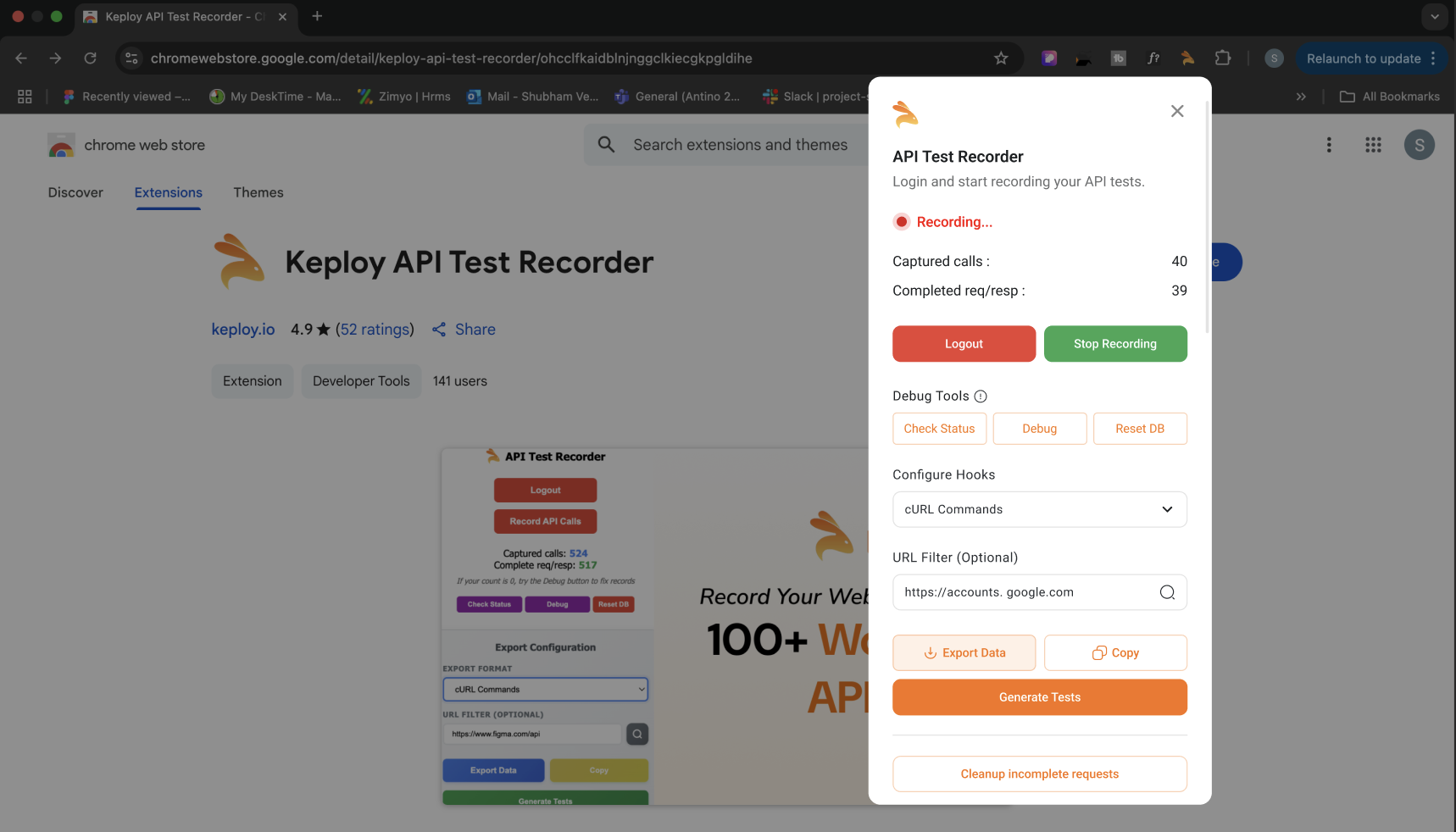
- Log in with the same email you use on app.keploy.io.
- Click Record API Calls.
- In another tab, exercise your app as a normal user (create an account, add to cart, etc.).
- Watch the live counters:
- Captured calls – total XHR/fetch requests intercepted.
- Complete req/resp – pairs where both request and response were fully captured.
- If the count of req/res is lower than expected, hit Debug to repair missing pairs.
Example :
DEBUG SUMMARY:

Total calls: 33
Complete (status+body): 2
Incomplete: 31
Has status but no body: 13
Has body but no status: 0
Flagged as complete: 30
Records repaired: 15
- Press Generate Tests.
- The extension POSTs the capture set to
https://app.keploy.io. - Your browser opens a new tab showing test-case generation progress.
- When done, you’ll see a Test Suite with runnable cases
- The extension POSTs the capture set to
- From Export Format, choose:
- cURL Commands – one-liner per call, shareable in Slack/Gist.
- Keploy YAML – ready for
keploy run. - JSON – raw payloads for custom tooling.
- Click Export Data to download or Copy to clipboard.
| Button / Field | Purpose | Notes |
|---|---|---|
| Logout | Clear auth token & stop background listeners. | Re-login any time. |
| Record API Calls | Starts/stops the capture session. | Active state is shown in red. |
| Captured calls | Blue counter of total requests. | Includes incomplete pairs. |
| Complete req/resp | Green counter of fully captured pairs. | This is the number exported. |
| Check Status | Quick health-check of the local capture DB. | |
| Debug | Attempts to stitch orphaned requests & responses. | |
| Reset DB | DANGER: Wipes all local capture data. | Irreversible; handy before a new test run. |
| URL Filter | Regex or plain URL substring. | Leave blank to capture everything. |
| Copy | Copies the export to clipboard. | Good for quick pastes into terminal. |
| Generate Tests | Sends data to Keploy Console & redirects. | Requires active internet. |
- Enter URL – Set the URL Filter to the base domain you want Keploy to record. This keeps captures focused on the traffic that matters.
- Keep sessions short – Generate tests for one functional flow at a time; iterate rather than record everything in one go.
| Symptom | Possible cause | Fix |
|---|---|---|
Captured calls increments, but Complete req/resp stays 0 |
Responses blocked by CORS or Service Worker. | Click Debug, or whitelist the domain in extension permissions. |
| “Network error” when pressing Generate Tests | Auth token expired. | Log out, log back in. |