| id | utg-pr-agent | ||||||||
|---|---|---|---|---|---|---|---|---|---|
| title | Keploy's PR Agent | ||||||||
| sidebar_label | PR Agent | ||||||||
| description | This section documents usecase of Keploy's Unit Test Generator Pull Request Agent | ||||||||
| tags |
|
||||||||
| keywords |
|
Transform your code review process with intelligent, automated unit test generation that ensures every PR is backed by comprehensive test coverage.
Keploy's PR Agent is a revolutionary GitHub App that seamlessly integrates into your pull request workflow, automatically generating high-quality unit tests for every code change. By embedding intelligent test generation directly into your GitHub PRs, this tool eliminates manual testing overhead and ensures that quality code and comprehensive tests go hand in hand before anything reaches production.
Follow the steps below to get started with the Keploy PR Agent on your GitHub repository:
- Visit Github Marketplace
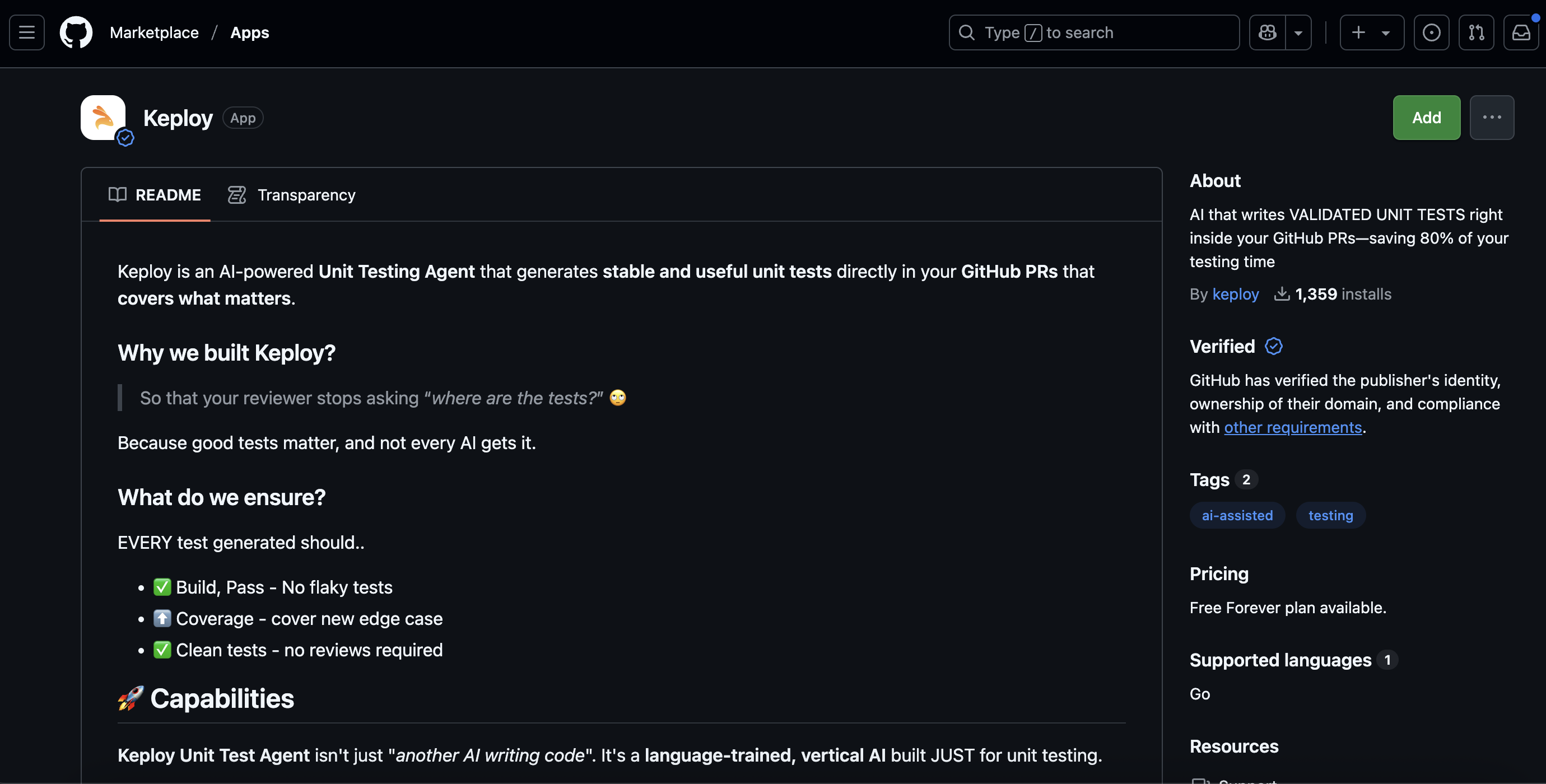
Click on Add.
Choose:
- A specific repository where you want to enable the PR agent, or
- All repositories if you want the functionality across your GitHub organization.
- Authorize the app to complete the installation.
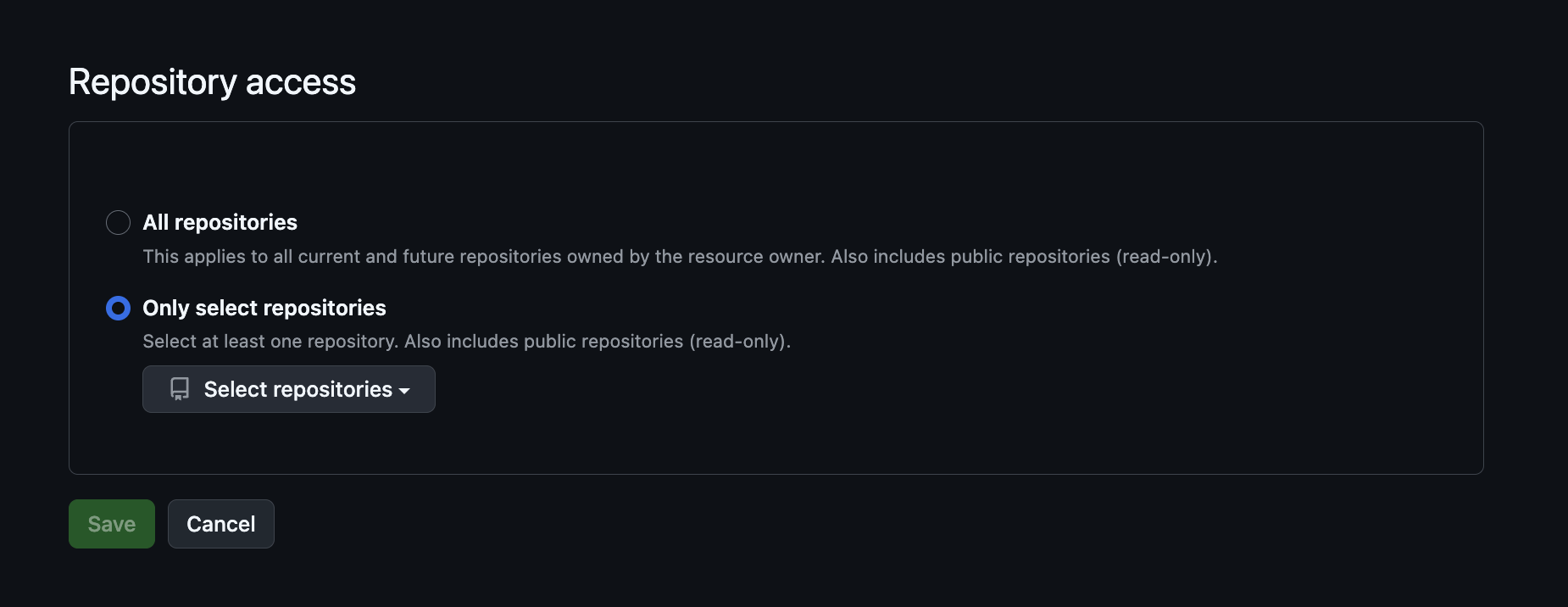
Once the app is installed:
- Make any code changes in your repository.
- Push your changes and create a pull request (PR) as usual.
- The Keploy PR Agent will automatically detect the changes and leave a comment on the PR.
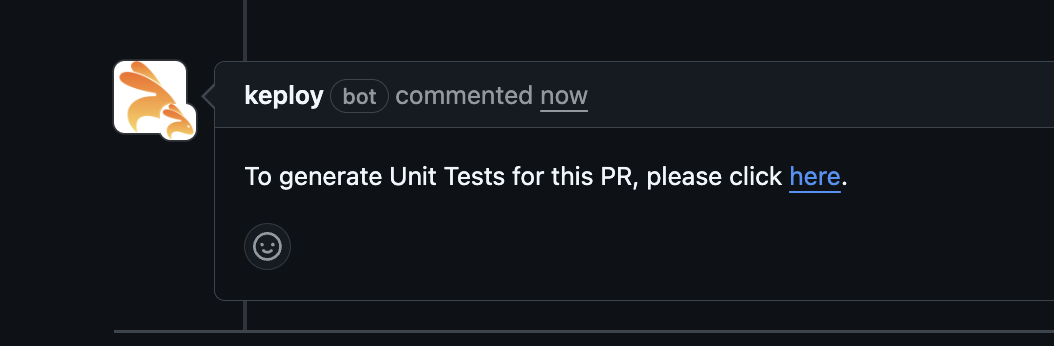
In the PR comment left by Keploy:
- Click on the link.
- You will be redirected to the Keploy service, where the unit test generation process begins.
- The PR Agent uses code semantics and the power of LLMs to understand your code changes and generate meaningful unit tests.
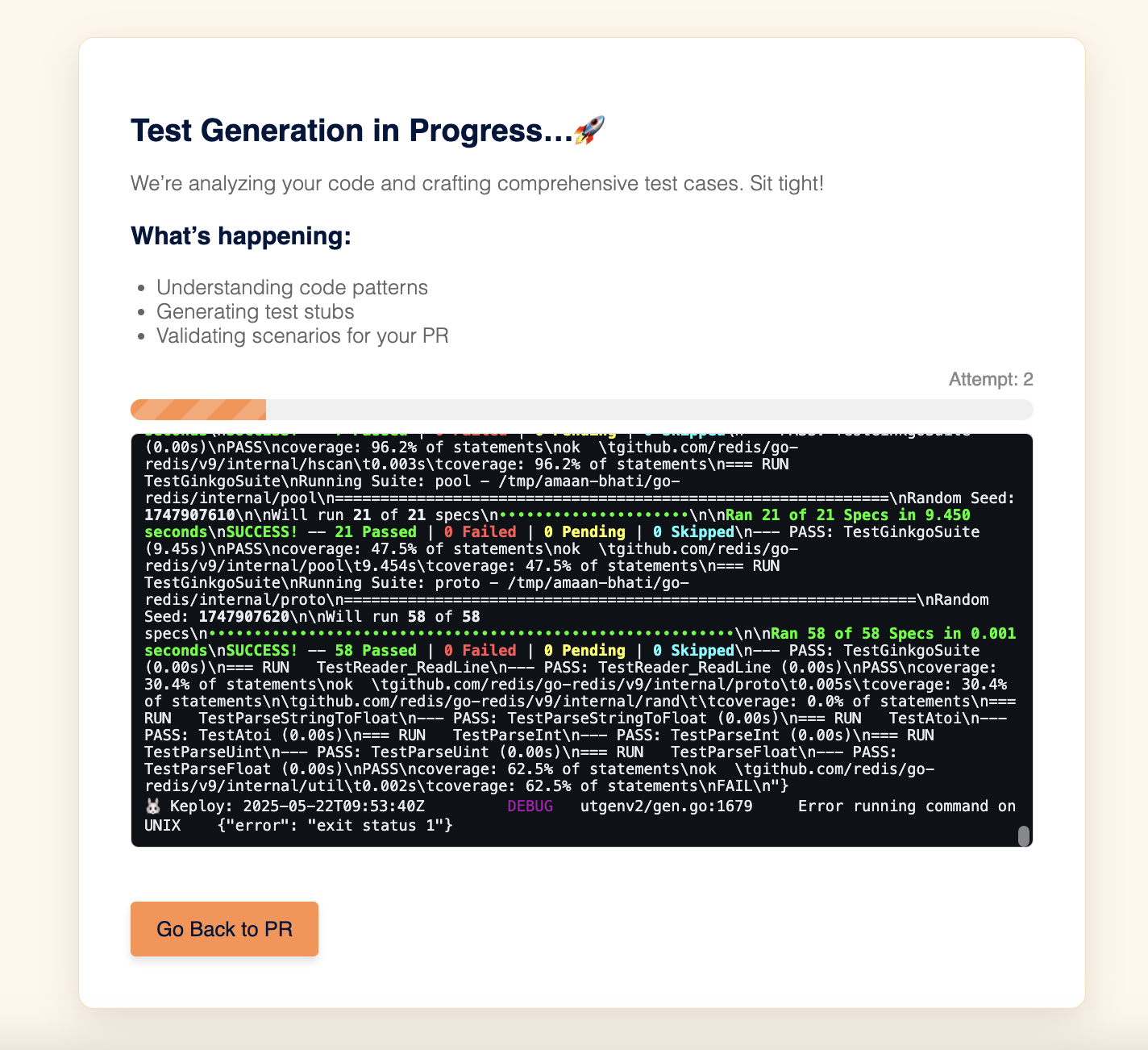
Once the process is complete:
- Click "Go back to the PR".
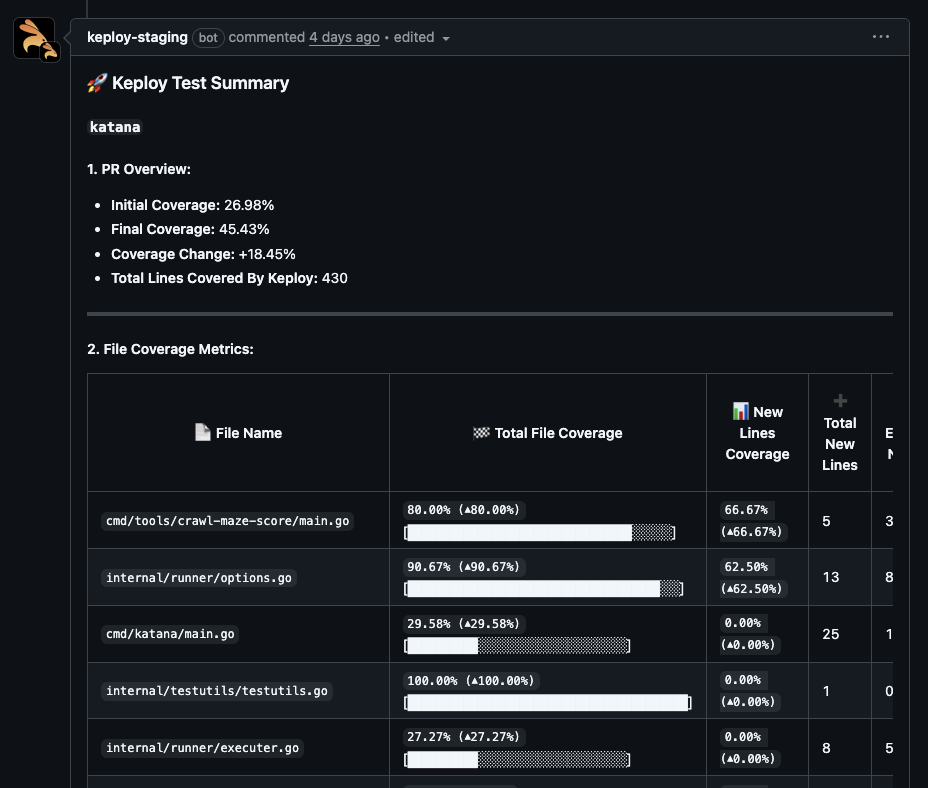
- The PR comment will be updated with:
- All the unit test files generated for your recent changes.
- A test summary presented in a clean tabular format showing: - File names - Number of test cases - Coverage details - Edge cases handled (if any)
You can review, modify, or directly merge the PR with complete confidence that your changes are well-tested. With Keploy PR Agent, testing is no longer a bottleneck - it’s built right into your workflow.
Ready to transform your pull request workflow from a potential quality bottleneck into a quality amplifier? Install the Keploy PR Agent and experience the future of collaborative development.
- Install the PR Agent in under 10 seconds
- Create a test PR to see the magic in action
- Experience the difference in your next code review cycle
Elevate your development workflow. Make every pull request a quality checkpoint.