| id | utg-vscode-extension | ||||||||
|---|---|---|---|---|---|---|---|---|---|
| title | Keploy's VS Code Extension | ||||||||
| sidebar_label | VS Code Extension | ||||||||
| description | This section documents usecase of Keploy's AI powered unit test vs code extension | ||||||||
| tags |
|
||||||||
| keywords |
|
Transform your IDE into a testing powerhouse. Generate comprehensive, intelligent unit tests with a single click - trusted by 500K+ developers worldwide.
The Keploy Unit Test Generator VS Code Extension revolutionizes how developers approach testing by bringing seamless, AI-powered test generation directly into your favorite IDE. Whether you're building new features, debugging complex issues, or refactoring legacy code, generate production-ready unit tests instantly without leaving your development environment.
- One-Click Generation: Transform any function into a comprehensive test suite in seconds
- Zero Context Switching: Stay in your IDE flow without opening external tools
- Intelligent Analysis: AI understands your code's business logic and generates relevant test scenarios
- LLM-Powered Intelligence: Leverages GPT-4o and advanced language models for superior test quality
- Framework Agnostic: Works seamlessly with Jest, Mocha, JUnit, pytest, and more
- Production Ready: Generated tests follow industry best practices and your project's conventions
You can install the Keploy extension using either of the following methods:
Method 1: From VS Code Marketplace
- Open the Extensions tab in VS Code.
- Search for "Keploy".
- Click Install.
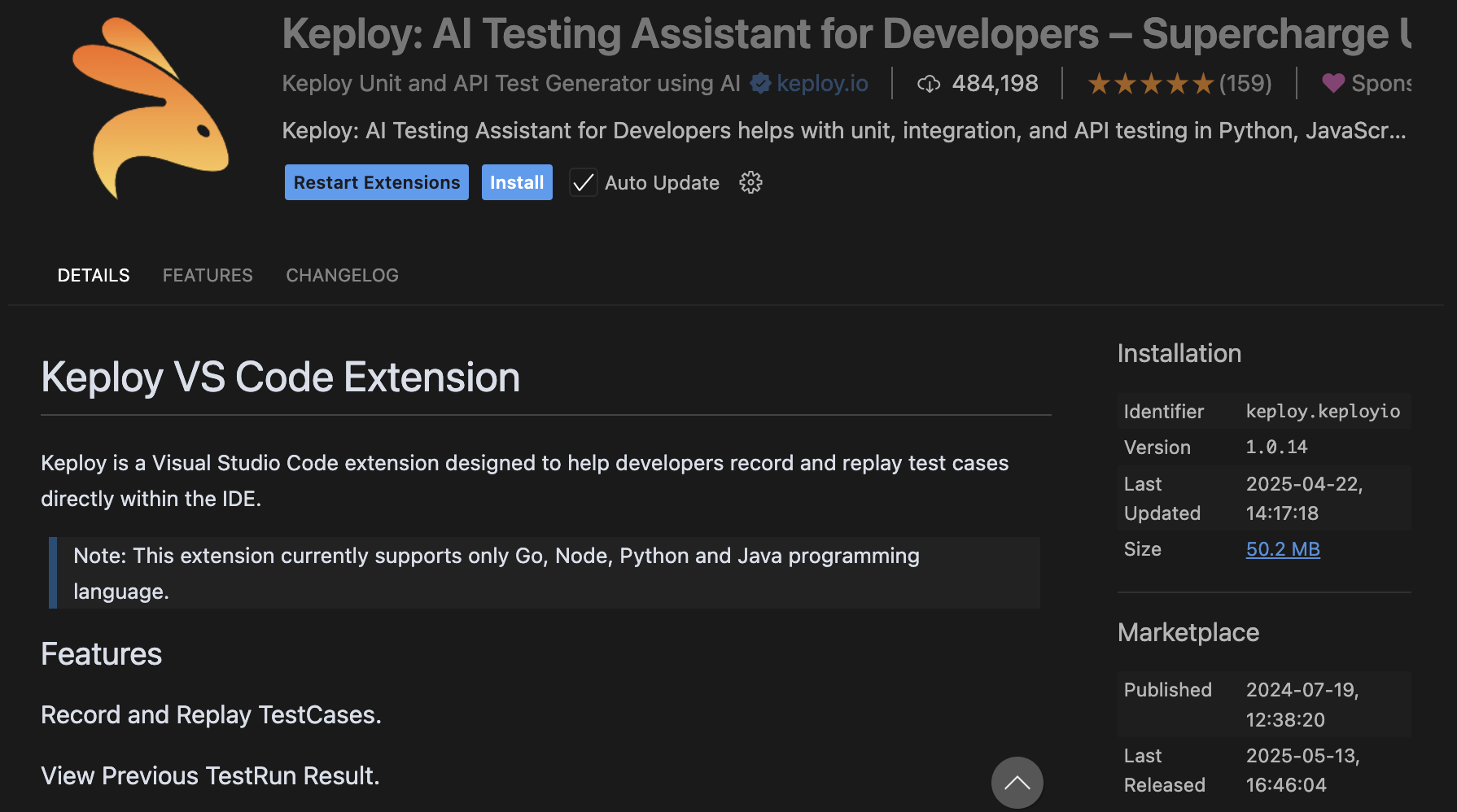
Method 2: Direct Link / VS Code Marketplace
- Visit VS Code Marketplace.
- Click Install and follow the prompts to open it in VS Code.
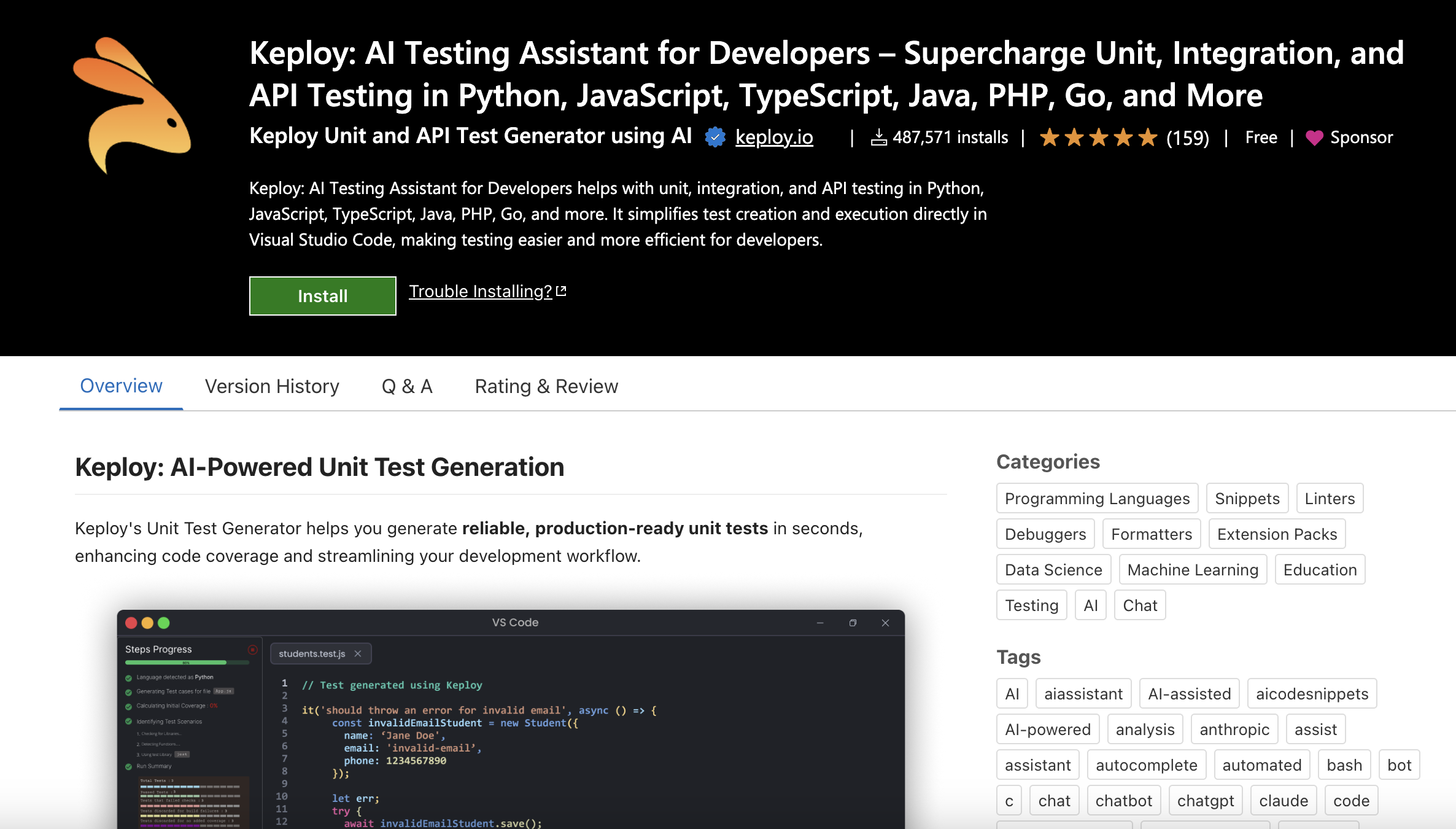
Once the extension is installed:
- Look for the Keploy icon in the Activity Bar (left-hand sidebar) of VS Code.
- Click the Keploy icon to open the extension UI.
- You’ll see a simple interface with a button labeled “Generate Unit Tests.”
- Click the button - that’s it!
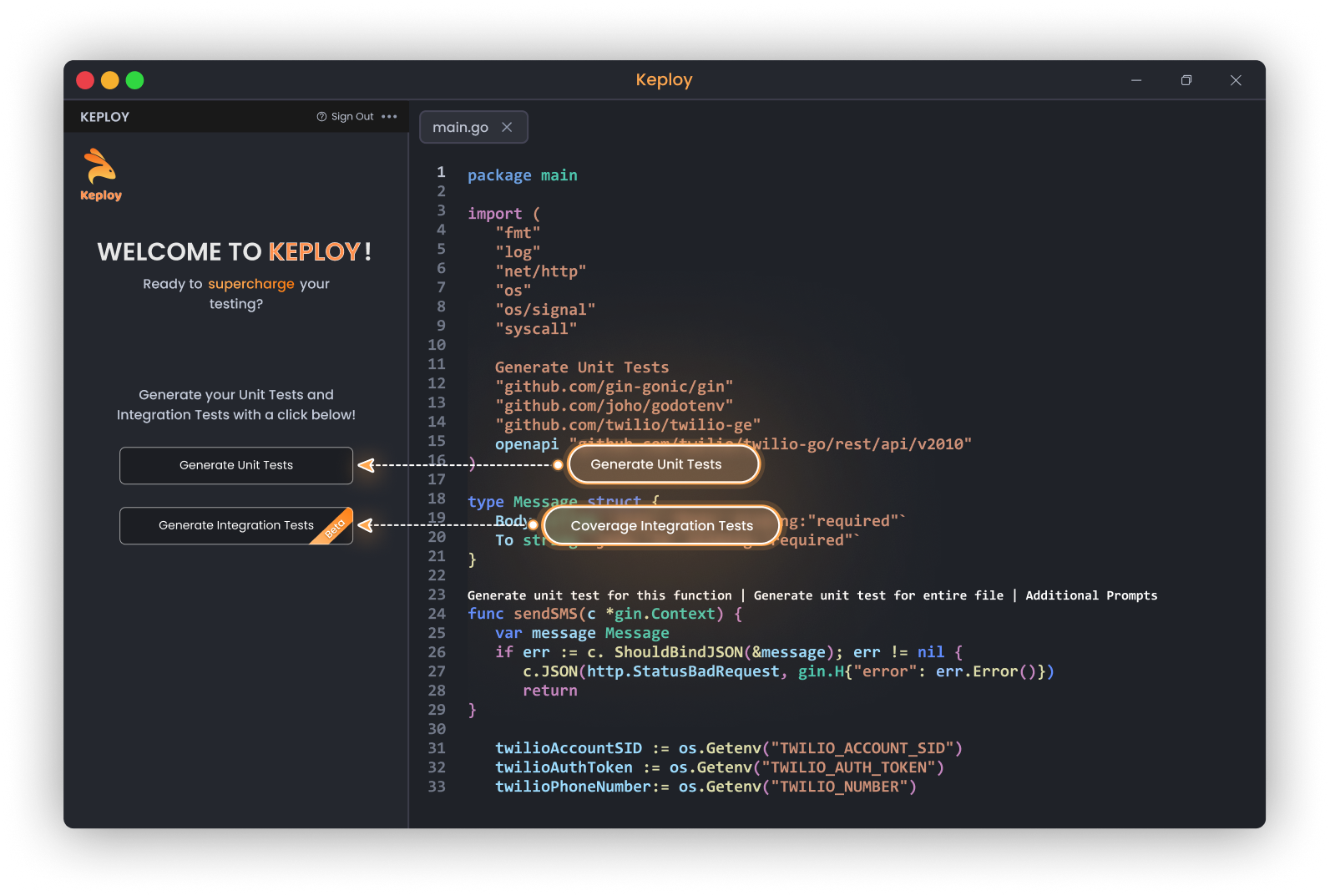
Keploy will analyze your codebase and automatically generate all relevant unit test files, covering:
- Core logic
- Edge cases
- Boundary conditions
- And more - all with meaningful assertions and clean test structure.
After clicking Generate Unit Tests, Keploy will:
- Parse and understand your source code using code semantics.
- Create relevant test files alongside your existing code (in your test directory or alongside source files, depending on your config).
- Provide complete test coverage with little to no boilerplate code.
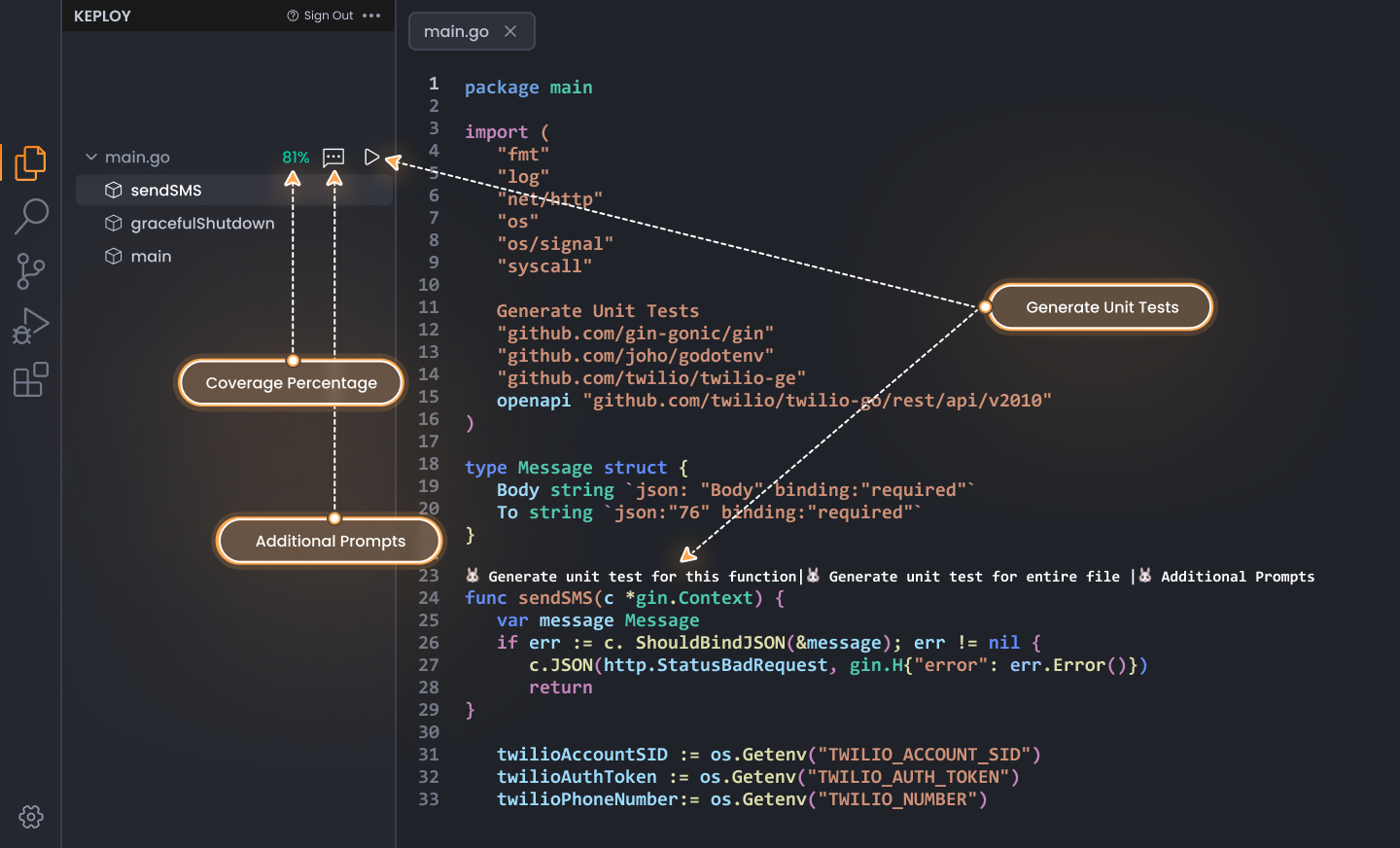
All tests are:
- Readable
- Maintainable
- Ready to run using your preferred test runner (e.g., Jest, Mocha, etc.)
Generated tests are organized following best practices:
your-project/
├── src/
│   └── utils/
│       └── calculator.js
└── tests/
    └── utils/
        └── calculator.test.js
Don't let testing slow down your development velocity. With Keploy's AI-powered VS Code extension, comprehensive test coverage is just one click away.
- Install from VS Code Marketplace →
- Open your favorite project and select a function
- Click "Generate Unit Tests" and experience the magic
- Watch your test coverage soar while maintaining development speed
_Transform your IDE. Elevate your code quality. Join 500k+ developers building better software with Keploy.