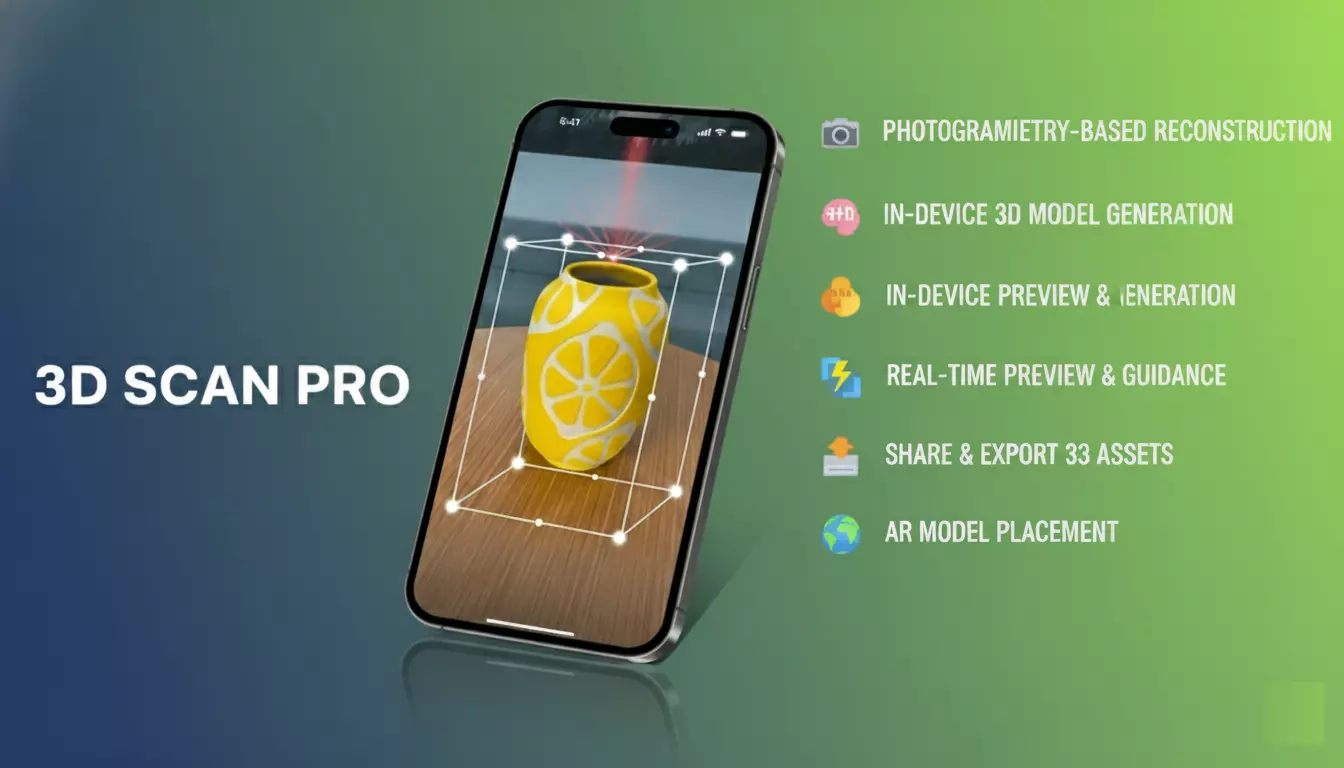
3D Scan Pro is a professional Unity plugin for real-time 3D scanning and reconstruction
using LiDAR-enabled iOS devices.
It enables developers to capture real-world objects and environments, generate
high-quality 3D models directly on-device, and use them instantly in Unity, AR, VR, and games.
Watch Demo: https://www.youtube.com/shorts/WZN7oLEza5s)
-
Unity Asset Store
https://assetstore.unity.com/packages/tools/ai-ml-integration/3d-scan-pro-339270 -
Publisher Page
https://assetstore.unity.com/publishers/103532
Available exclusively on the Unity Asset Store.
-
In-Device 3D Model Generation
Generate 3D models directly on the device — no cloud processing required. -
Photogrammetry-Based Reconstruction
Accurate geometry and textures using overlapping multi-angle image capture. -
Guided Scanning Workflow
Step-by-step guidance for horizontal, vertical, and flipped scans. -
Real-Time Preview
View partial reconstruction results while scanning. -
Object & Area Capture Modes
Scan individual objects or large environments. -
Auto Image Capture
Automatically triggers optimal image capture. -
Built-In 3D Viewer
Inspect scanned models inside Unity before export. -
AR Model Placement
Preview scanned models in the real world using AR. -
Persistent Storage
Generated models are saved automatically for later use. -
Model Management
Access and manage all previously scanned models.
- 🎮 Game Development – Realistic props and environment assets
- 🛍️ AR Product Visualization – Virtual try-on & product previews
- 🌍 VR & Metaverse – Real-world assets for immersive experiences
- 🏠 Virtual Tours – Indoor & outdoor space reconstruction
- 🧰 Rapid Prototyping – Scan physical objects into digital models
- 🎓 Education & Research – Virtual museums and academic visualization
- 💎 3D Asset Selling – Export models to Sketchfab, TurboSquid, etc.
| Category | Details |
|---|---|
| Platform | iOS / iPadOS |
| OS Version | iOS / iPadOS 17+ |
| Sensor | LiDAR-enabled camera |
| Devices | iPhone Pro, iPad Pro (LiDAR models) |
| Engine | Unity 2021+ |
Player Settings → Resolution and Presentation
- ✅ Enable Render Over Native UI
- Use Default Render Pipeline
- Set Camera Background to Solid Black or Transparent
Add usage descriptions for:
- Camera access
- Microphone access
- Add the
ObjectScanPluginprefab to your Unity scene - Configure LiDAR and capture settings in the Inspector
- Review the Demo Scene for reference
- Build & run on a LiDAR-enabled iOS device
- Use bright, even lighting
- Maintain 70%+ image overlap
- Complete all three scanning passes
- Keep objects stable during capture
- Follow on-screen guidance carefully
📘 Apple best practices:
https://developer.apple.com/documentation/realitykit/capturing_photographs_for_realitykit_object_capture
This GitHub repository does not include source code.
All rights reserved.
Commercial usage and source access are provided only with a valid Unity Asset Store license.
📧 realmoctopus@gmail.com
🛠 Support via the 3D Scan Pro Unity Asset Store page
3D Scan Pro transforms real-world objects into digital 3D assets instantly — directly inside Unity.
No servers. No complex pipelines. Just scan, preview, and build.