A powerful AI-based web application for creating smart, interactive, and digital business cards with sharing and analytics capabilities. This is a fully functional production-level application, not just a prototype. It features:
- Role-based authentication
- Separate dashboards for each user
- Admin and Super Admin functionality
- Persistent data storage
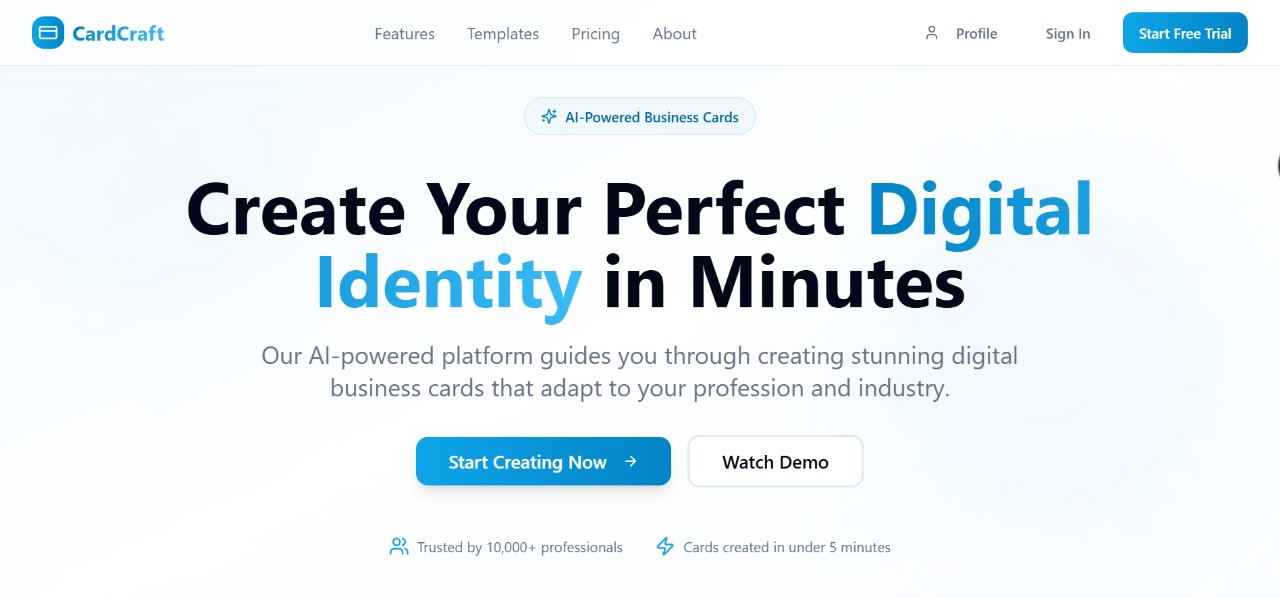
https://cardly-ai-guide.vercel.app
This application supports two primary roles:
- Super Admin
- User
To log in as an Admin, use the following credentials:
- Email:
admin@gmail.com - Password:
password
Once logged in as the Super Admin, you will be redirected to your dedicated dashboard, where you can:
- Access a full overview of the system
- Create new Admin members
- Add, edit, or remove regular Users
- Monitor platform activity
- View and manage all user cards and data
- Access analytics for performance and engagement
Admins created by the Super Admin can:
- Manage users assigned to them
- View user activity and card data
- Edit or delete user accounts
- Access analytics dashboards for card insights
When a user logs in:
- They are taken to their personal dashboard
- Users can create, edit, delete, and manage multiple AI-generated digital vCards
- Each card has a unique shareable link
- Users can view analytics such as clicks, views, and interactions
If a user:
- Creates 4 cards
- Logs out of the application
- Logs back in later
All their data and cards will still be available. All user progress is permanently saved and associated with their account.
- Vite
- TypeScript
- React
- shadcn/ui
- Tailwind CSS
# Clone the repository
git clone https://github.com/Ahmadjamil888/cardly-ai-guide.git

# Navigate to the project directory
cd cardly-ai-guide

# Install dependencies
npm install

# Start the development server
npm run dev
Option 2: Edit Directly on GitHub Open the desired file in the GitHub repo
Click the Edit icon
Make changes
Commit and save
Option 3: Use GitHub Codespaces Click Code > Codespaces
Create a new codespace
Start editing directly in the cloud-based IDE
Deployment To deploy your project, run:
npm run build
This will generate a dist folder. You can deploy this folder to any preferred hosting service:
Vercel
Netlify
GitHub Pages
Firebase Hosting
Custom Domain Configuration To set up a custom domain:
Go to your hosting provider’s dashboard
Add your domain
Update your DNS records (e.g., A/CNAME) from your domain registrar
Verify and apply SSL if required
Contributions and Feedback We welcome contributions, suggestions, and feedback.
Feel free to open a pull request
Use GitHub Issues for bugs or feature requests
Fork and enhance as needed
License MIT License. You are free to use, modify, and distribute this project with attribution.
vbnet Copy Edit
Let me know if you'd like me to add installation images, contribution guidelines, or API usage details as well.