





Blankly Plugins let you build once, use anywhere across backtests, paper trading, and live markets.
They are:
- 🔌 Modular & reusable components
- 📦 Environment-agnostic (backtest, sandbox, live)
- 🧩 Easy to plug into any strategy or workflow
- 🌐 Exchange-agnostic with unified interfaces
Create, share, or combine plugins for indicators, strategies, risk controls, and more — all while keeping your code clean and scalable.
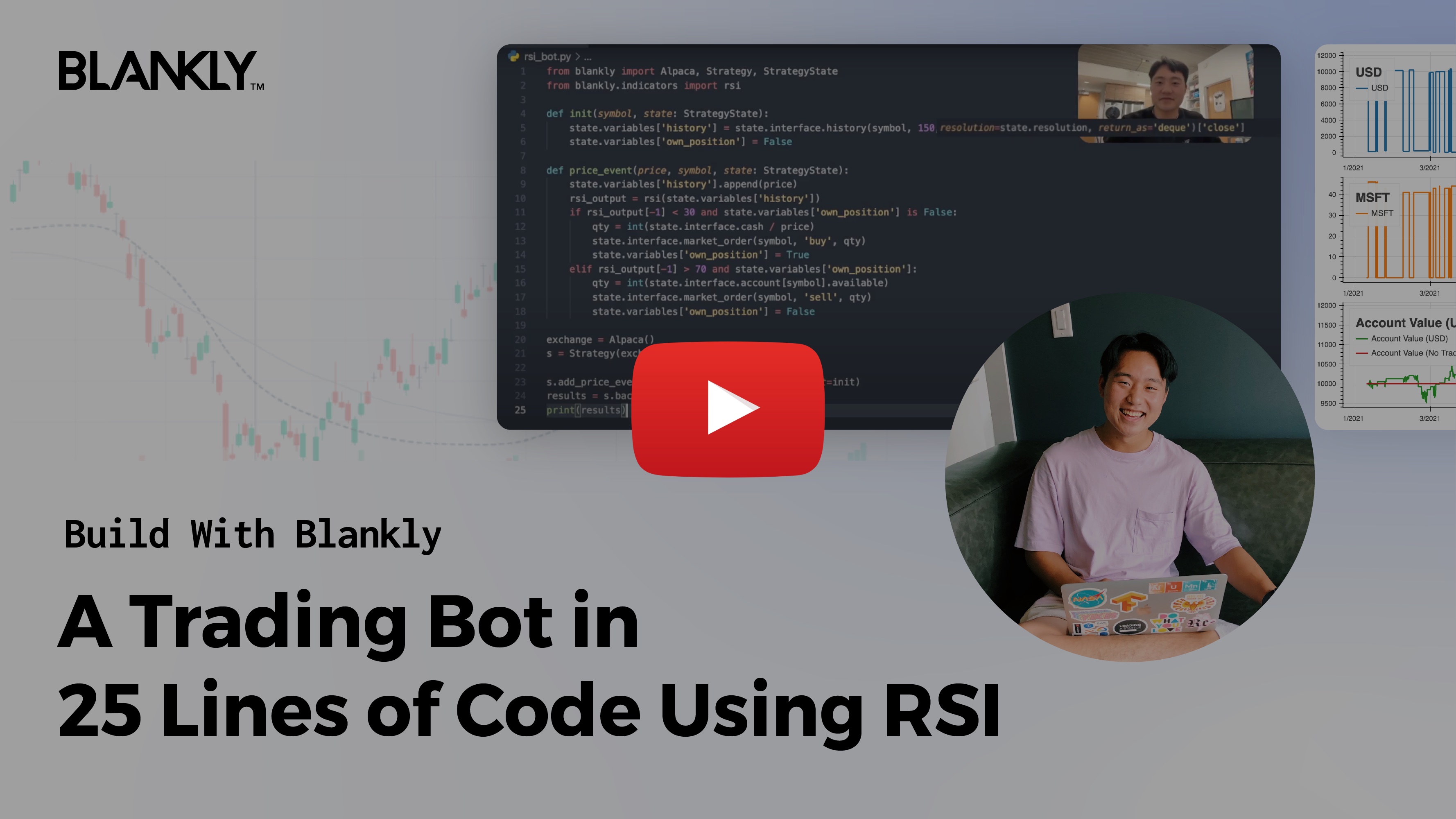
from blankly import Alpaca, CoinbasePro

stocks = Alpaca()
crypto = CoinbasePro()
futures = BinanceFutures()

# Easily perform the same actions across exchanges & asset types
stocks.interface.market_order('AAPL', 'buy', 1)
crypto.interface.market_order('BTC-USD', 'buy', 1)
# Full futures feature set
futures.interface.get_hedge_mode()import blankly
"""
This example shows how backtest over tweets
"""
class TwitterBot(blankly.Model):
def main(self, args):
while self.has_data:
self.backtester.value_account()
self.sleep('1h')
def event(self, type_: str, data: str):
# Now check if it's a tweet about Tesla
if 'tsla' in data.lower() or 'gme' in data.lower():
# Buy, sell or evaluate your portfolio
pass
if __name__ == "__main__":
exchange = blankly.Alpaca()
model = TwitterBot(exchange)
# Add the tweets json here
model.backtester.add_custom_events(blankly.data.JsonEventReader('./tweets.json'))
# Now add some underlying prices at 1 month
model.backtester.add_prices('TSLA', '1h', start_date='3/20/22', stop_date='4/15/22')
# Backtest or run live
print(model.backtest(args=None, initial_values={'USD': 10000}))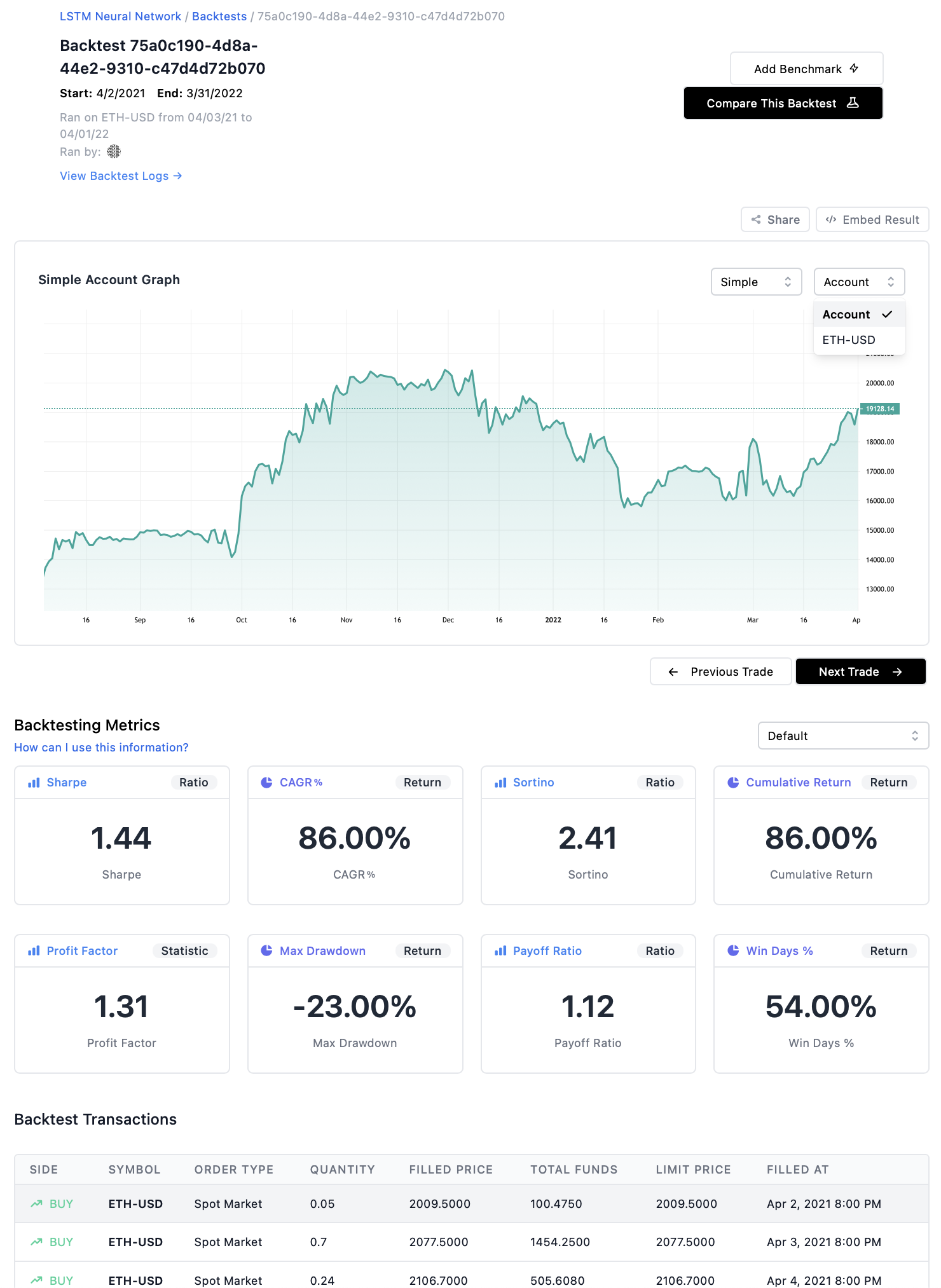
Follow the steps below to install and run this project on your local machine.
Make sure you have the following tools installed on your system:
- Node.js (v14.x or newer)
- npm (comes with Node.js)
- Git
- Python 3.x (optional, if any indicators or tools require it)
You can also use Docker to run the project in an isolated environment.
Install the required npm packages:
npm installIf the plugin uses Python-based tools or indicators, install the Python dependencies as well:
pip install -r requirements.txtTo allow the plugin to interact with cryptocurrency exchanges, set up your API credentials.
Create a .env file in the root directory and add your exchange keys:
EXCHANGE_API_KEY=your_api_key_here
EXCHANGE_SECRET_KEY=your_secret_key_here
Make sure not to commit this file to version control. It should remain private.
Each plugin comes with a configuration file. For example:
# config/rsi-config.yaml
strategy:
  rsi_period: 14
  overbought_threshold: 70
  oversold_threshold: 30
  symbol: BTC/USDT
  interval: "1h"
You can modify these values based on your trading preferences.
Once everything is set up, start the plugin:
npm start -- --plugin rsi --config config/rsi-config.yamlOr, if you're using a custom script:
node index.js --plugin rsi --config config/rsi-config.yamlBuild and run the plugin using Docker:
docker build -t blankly-rsi-plugin .
docker run -it --env-file .env blankly-rsi-plugin
erDiagram
PLUGIN {
string id
string name
string type
}
PLUGIN ||--o{ STRATEGY : implements
STRATEGY ||--o{ INDICATOR : uses
STRATEGY ||--o{ EXECUTOR : runs
EXECUTOR ||--o{ MARKET_INTERFACE : interacts
MARKET_INTERFACE }|--o{ EXCHANGE : connects
PLUGIN ||--o{ CONFIGURATION : requires
PLUGIN ||--o{ LOGGING : logs

wouldn't be without you. If we are going to disrupt financial industry, every contribution counts. Thank you for being part of this journey.