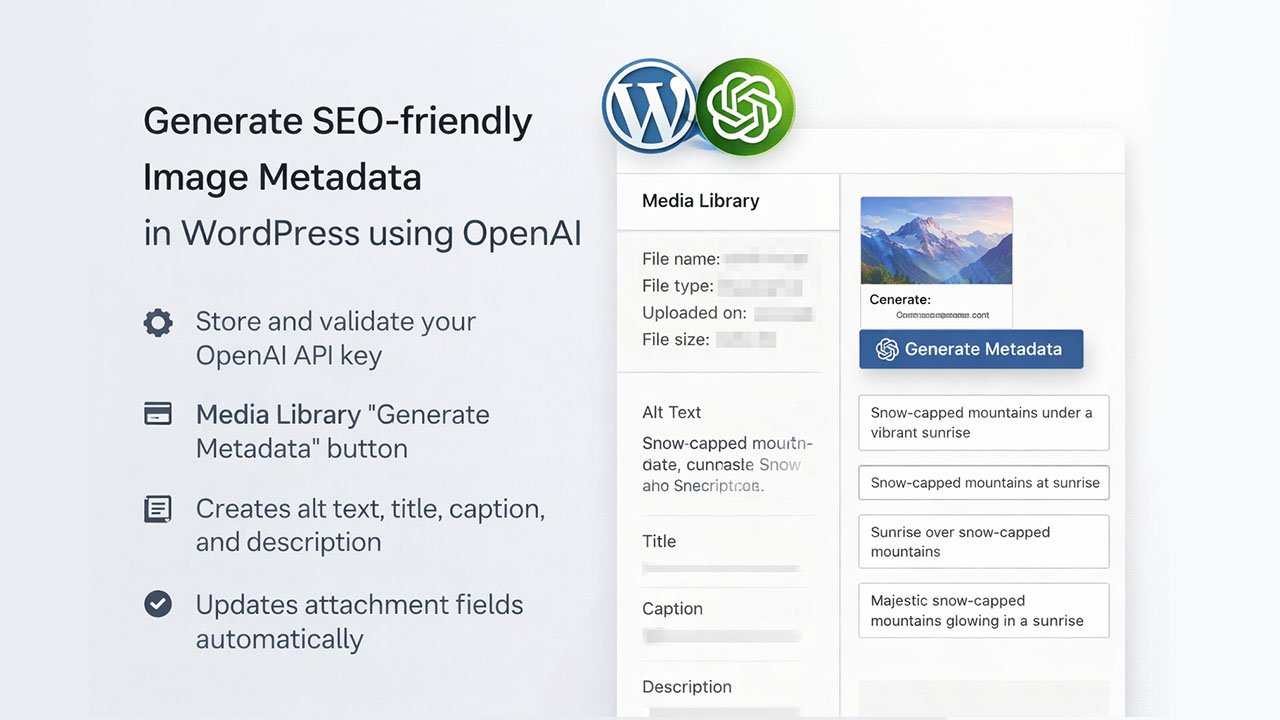
Generate SEO-friendly image metadata in WordPress using OpenAI and apply it directly to media attachments.
- Adds a Settings page to store and validate your OpenAI API key.
- Adds a “Generate Metadata” button in the Media Library attachment details.
- Creates alt text, title, caption, and description in one request.
- Updates the attachment fields and alt text meta automatically.
- WordPress 6.9+
- PHP 7.4+
- Copy this folder into your WordPress
wp-content/plugins/directory. - Activate Himuon Image Metadata AI in the Plugins screen.
- Go to Settings → Image Metadata AI.
- Paste your OpenAI API key and click Save Settings.
- The plugin validates the key by calling the OpenAI Models endpoint.
- Open Media → Library and click an image.
- In the attachment details panel, click Generate Metadata.
- The plugin populates:
- Alt text
- Title
- Caption
- Description
- Uses the OpenAI Responses API with the
gpt-5-nano-2025-08-07model. - Sends the attachment’s medium-sized image URL to OpenAI along with a prompt that requests JSON output.
- Updates:
post_title(Title)post_excerpt(Caption)post_content(Description)_wp_attachment_image_alt(Alt text)
- The image URL is sent to OpenAI for processing.
- The API key is stored in WordPress options under
himuon_image_meta_data.
Autoloading is PSR-4 via Composer.
composer dump-autoload- If the Generate button doesn’t appear, confirm you’re on Media → Library and viewing attachment details.
- If API validation fails, re-check the key and server outbound connectivity.