SucceedAI Proxy API securely connects the SucceedAI macOS app to AI provider APIs while keeping private API keys off the client.
Supported providers 🚀
- OpenAI (default)
- Meta Llama
- Mistral AI
- Claude (Anthropic)
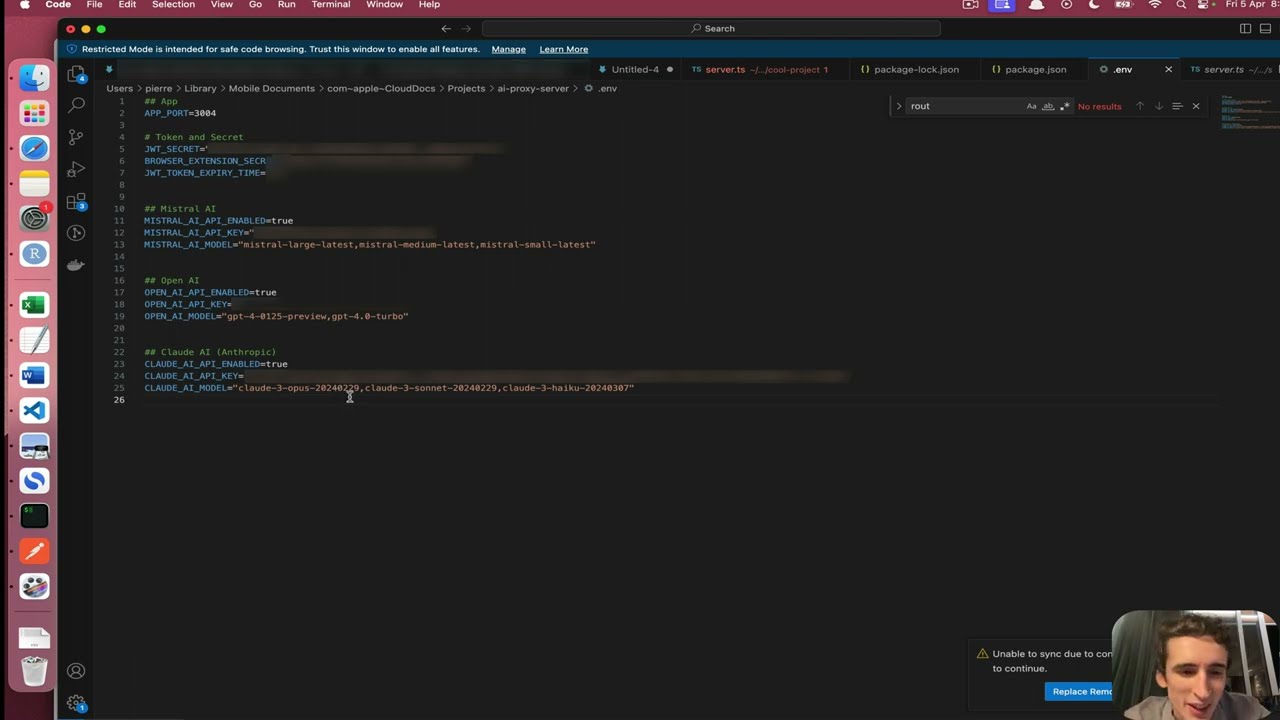
Provider and security settings are documented in .env.dist.
Requires Node.js 22.18 or newer.
- Copy
.env.distto.envand add your credentials. - Run
npm install. - Run
npm run devto start the server in watch mode.
npm start: start the server normally.npm run prod: start in production mode.npm run build: validate the TypeScript build.npm run typecheck: check TypeScript without running the server.npm test: run the tests.npm run prettier:check/npm run prettier:fix: check or fix formatting.
Railway uses the included railway.json configuration:
- Build command:
npm ci && npm run build - Start command:
npm start - Health check:
/v1/health - Restart policy:
ON_FAILURE
Recommended setup:
railway variables set NODE_ENV=production
railway variables set JWT_SECRET=<same-token-used-in-the-macos-app>
railway variables set OPENAI_API_KEY=<openai-api-key>
railway variables set OPENAI_MODEL=gpt-5.2
railway up
Use .env.railway.example as the deployment checklist. Do not commit .env.
JWT_SECRETmust not be empty in Railway.OPENAI_API_KEYmust exist only in Railway or local.env.- License checks are optional and disabled by default.
- When enabled, requests must include
License: <license-id>:<license-key>.

Made with ❤️ by Pierre-Henry Soria, a passionate product engineer and problem-solver who builds and ships software, with a strong interest in open-source ecosystems and data science. Based in Sydney 🦘, he enjoys nature 🌳, non-fiction, journaling, life optimisation, minimalism, and self-sufficiency. He also has a soft spot for Roquefort 🧀, a ristretto or almond flat white ☕️, and dark chocolate.




Succeed AI is part of the challenge #AI-Free-Projects, a group of 7 artificial intelligence projects I have engaged to open source and transparently release on GitHub / YouTube with at least 20-hour/week commitment. Hope you enjoy 🤗
Feel free to connect, and reach me at my LinkedIn Profile 🚀
Distributed under the MIT license 🎉 Wish you happy, happy coding! 🤠

