A Web3 dApp composed with [N]skills.
These components were included in this generation:
- ERC-721 Stylus NFT — Deploy and interact with ERC-721 NFTs on Arbitrum Stylus
- Frontend Scaffold — Generate a Next.js Web3 application with wagmi, RainbowKit, and smart contract integration
- Wallet Authentication — Wallet connection with RainbowKit and WalletConnect
my-app/
├── apps/
│   └── web/                    # Next.js app (install dependencies here)
│       ├── src/
│       ├── package.json
│       └── ...
├── contracts/                  # Rust/Stylus smart contracts
│   └── erc721/
├── docs/                       # Documentation
├── scripts/                     # Deploy / utility scripts (if generated)
├── .gitignore
└── README.md
- Node.js 18+ and npm (comes with Node.js)
- Rust toolchain and cargo-stylus for building/deploying Stylus contracts (see
docs/and Stylus SDK)
-
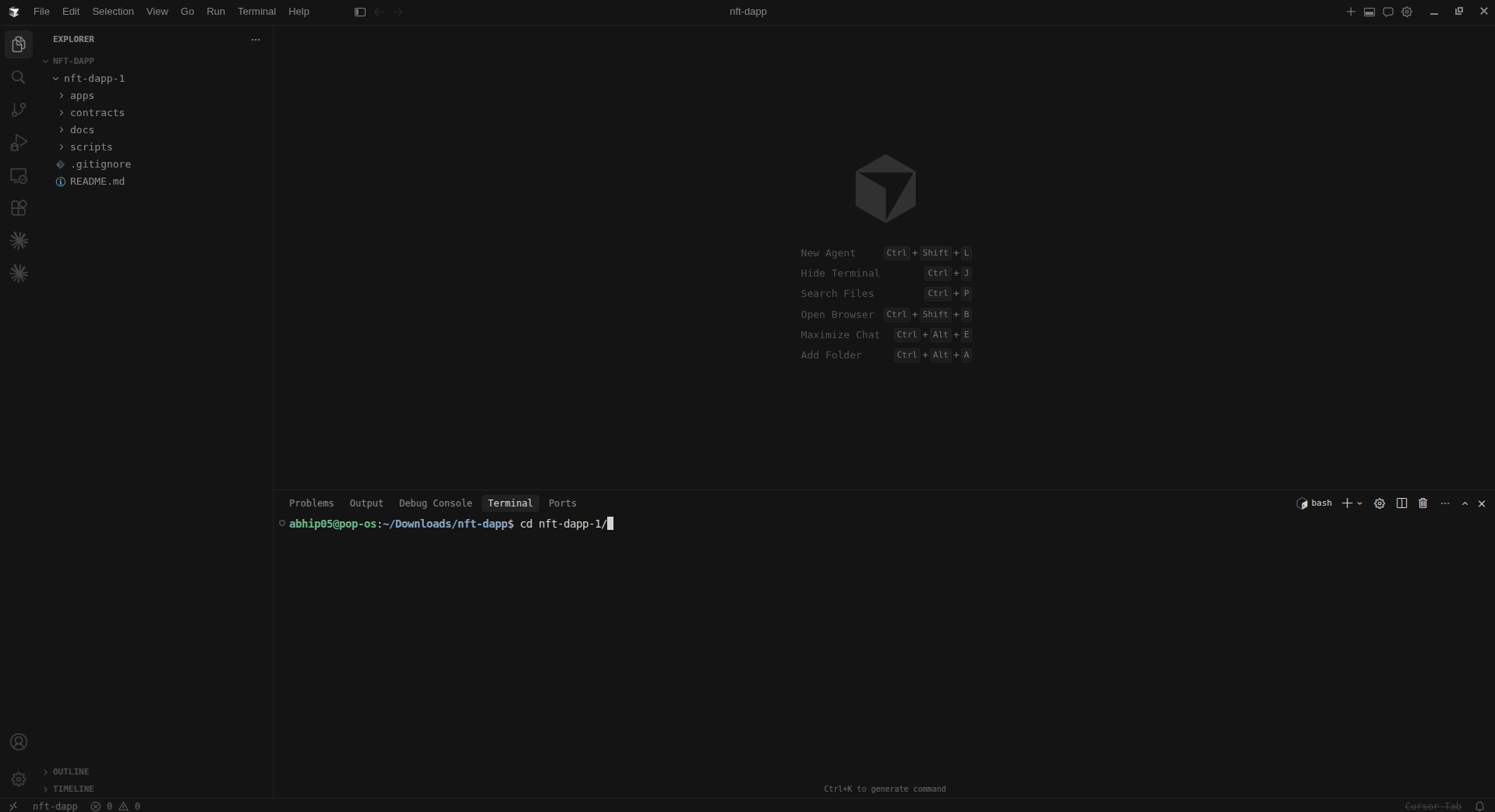
Clone and enter the project
git clone <your-repo-url>
cd <your-repo-name>
-
Install dependencies for the Next.js app (this project has no root
package.json; dependencies live underapps/web):cd apps/web npm install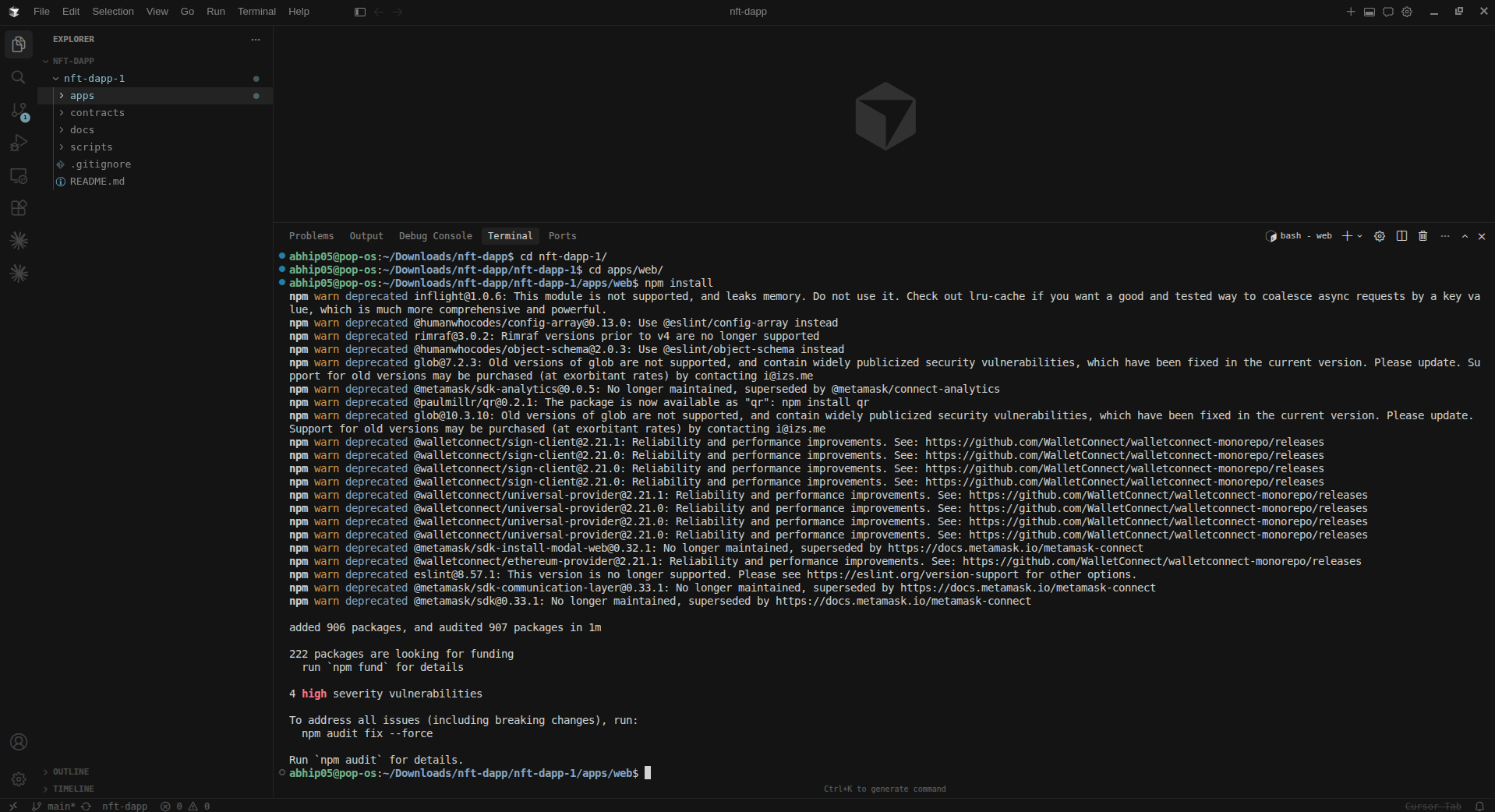
-
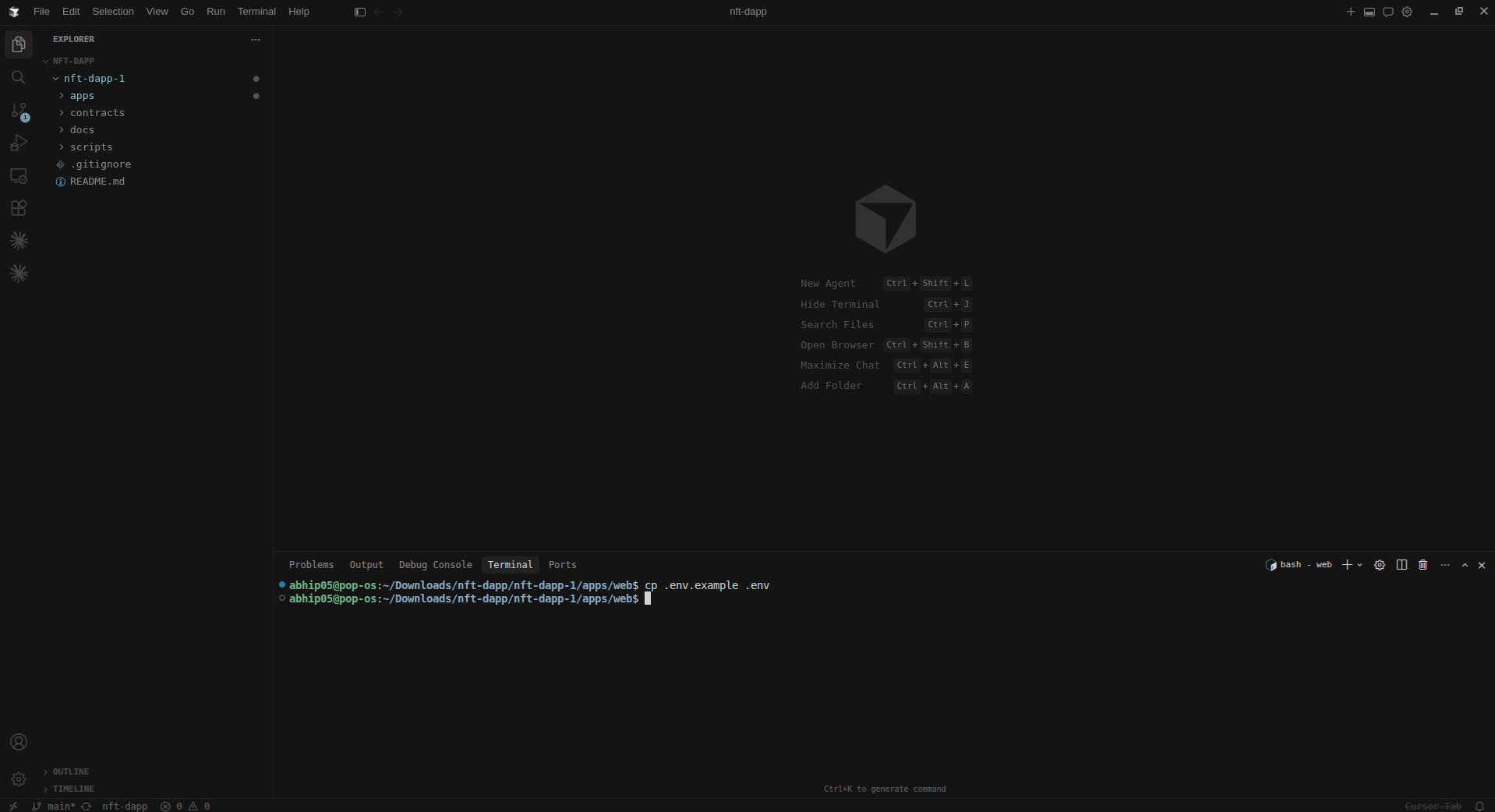
Environment variables
cp .env.example .env
Edit
.envand set:NEXT_PUBLIC_WALLETCONNECT_PROJECT_ID: WalletConnect Cloud project ID for wallet connections
Add the ERC721InteractionPanel to apps/web/src/app/page.tsx:
import { WalletButton } from '@/components/wallet-button';
import { ERC721InteractionPanel } from '@/lib/erc721-stylus/src';

export default function Home() {
  return (
    <main className="flex min-h-screen flex-col items-center justify-center p-24">
      <div className="max-w-5xl w-full text-center">
        <h1 className="text-4xl font-bold mb-8">
          My DApp
        </h1>
        <p className="text-lg text-gray-600 dark:text-gray-400 mb-12">
          A Web3 application built with Cradle
        </p>

        <div className="flex justify-center">
          <WalletButton />
        </div>

        <ERC721InteractionPanel />
      </div>
    </main>
  );
}cd apps/web && npm run devOpen http://localhost:3000.
Check the docs/ folder for guides that match your blueprint (e.g. frontend setup, contract deployment, API routes).
MIT
Generated with [N]skills