Run AI coding agents in secure containers. They make commits, you pull them back.
| Agent | Flag | Status |
|---|---|---|
| Claude Code | --agent claude (default) |
Supported |
| Codex CLI | --agent codex |
Supported |
| Cursor CLI | --agent cursor |
Supported |
| Gas City | --agent gascity |
Supported |
| Gemini CLI | --agent gemini |
Supported |
| OpenClaw | --agent openclaw |
Supported |
| OpenCode | --agent opencode |
Supported |
Agents are installed automatically inside the container — no local agent installation needed. You just need authentication credentials for your chosen provider.
- Isolated execution: Your agent runs in a container, not on your host machine
- Safe autonomous mode: Enable
--yolowithout fear — the agent can't send your code anywhere - Git-based workflow: The agent commits inside the container, you
git pullthe changes - Run anywhere: Locally or over SSH with Podman or Docker
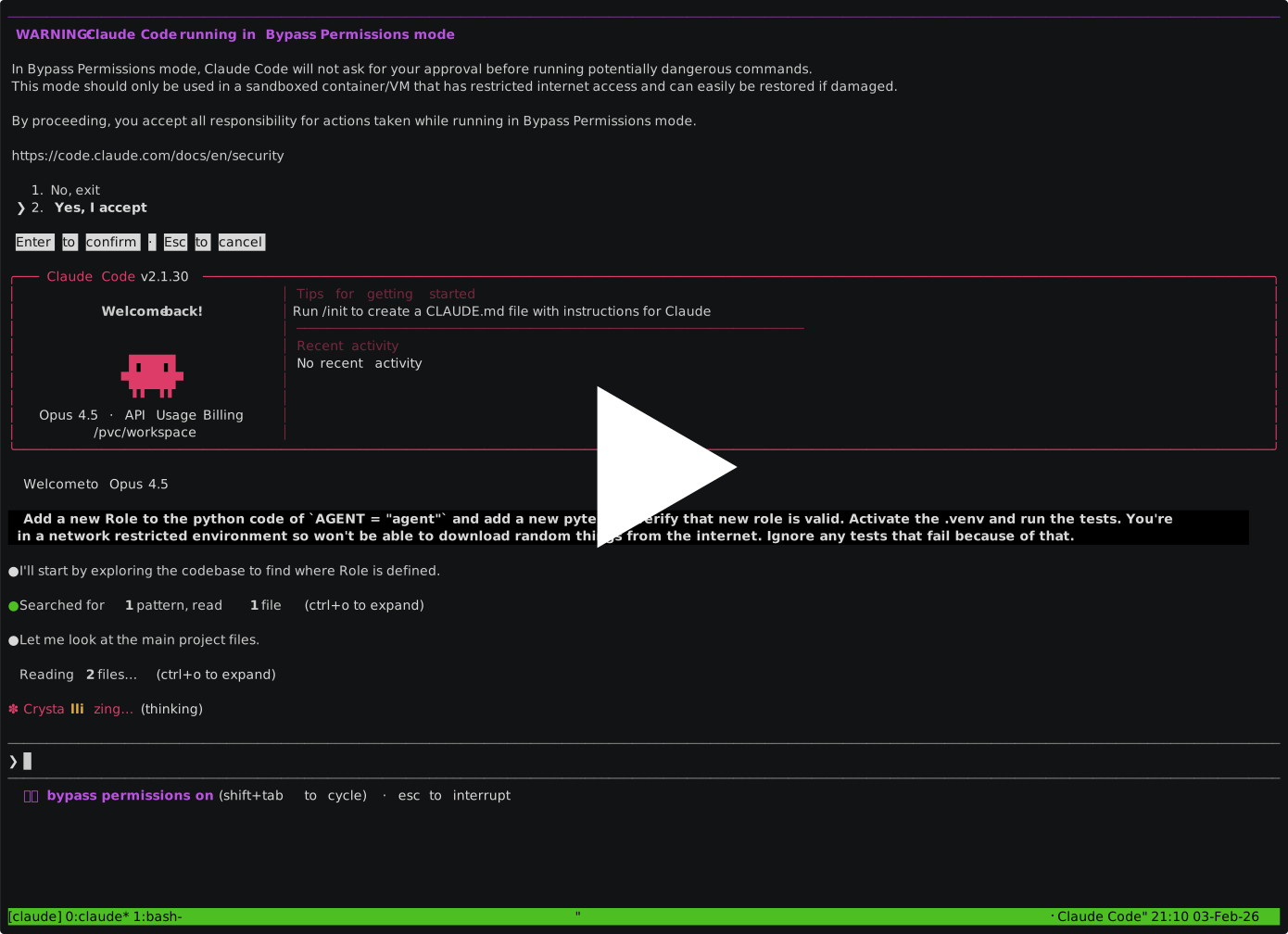
The demo shows Claude Code, but the workflow is identical with other agents.
Container runtime: Podman or Docker, locally or on a remote host reached over SSH.
Authentication — set up credentials for your chosen provider:
Google Cloud / Vertex AI (Claude Code, Gemini CLI, OpenClaw, OpenCode)
Install the Google Cloud SDK, then:
gcloud auth application-default loginSet your project (find the ID in Google Cloud Console):
# Claude Code via Vertex
export CLAUDE_CODE_USE_VERTEX=1
export ANTHROPIC_VERTEX_PROJECT_ID=your-project-id
export GOOGLE_CLOUD_PROJECT=your-project-id

# Gemini CLI / OpenClaw via Vertex
export GOOGLE_CLOUD_PROJECT=your-project-id

# OpenCode via Vertex
export GOOGLE_CLOUD_PROJECT=your-project-id
export VERTEX_LOCATION=us-east5
Anthropic API key (Claude Code, OpenClaw, OpenCode)
export ANTHROPIC_API_KEY=your-api-keyThis is the default provider for OpenCode. For Claude Code and OpenClaw, also pass --provider anthropic:
paude create --agent openclaw --provider anthropic ...OpenAI API key (Codex CLI, OpenClaw, OpenCode)
export OPENAI_API_KEY=your-api-key
paude create --agent openclaw --provider openai ...
paude create --agent opencode --provider openai ...
ChatGPT plan login (Codex CLI)
paude create --agent codex --yolo --git my-project
paude connect my-project
chatgpt is the default provider for the Codex agent and is only supported
on the local Podman/Docker backend (not --backend openshift, which needs
--provider openai instead — see below).
Inside the session, run codex login. Codex prints a URL and code — complete
the login in any browser, on any device (no localhost callback or port
forwarding is needed). The session's own proxy sidecar captures the resulting
OAuth tokens and manages refresh transparently and independently; real tokens
never reach the agent container. Each session has its own OAuth lineage tied
to its own private state volume, so multiple ChatGPT-plan sessions can run
concurrently without one session's token refresh invalidating another's.
Pass --provider openai to use the plain OPENAI_API_KEY provider instead
— no ChatGPT plan, no proxy-managed auth (this is the only provider Codex
supports on --backend openshift). The default Codex network policy allows
chatgpt.com and auth.openai.com for the ChatGPT API and OAuth exchange.
Paude selects Codex's HTTP/SSE transport by default because the local MITM
proxy does not support the Responses WebSocket transport. Codex Apps are
disabled for ChatGPT OAuth sessions so the Apps MCP integration does not
attempt to connect from the container; standalone MCP server configuration
is unchanged.
Breaking change from previous versions: paude no longer reads
~/.codex/auth.json from the host. Sessions created under the old
host-seeded model must be recreated (paude delete + paude create --agent codex) and re-authenticated with codex login inside the container.
Cursor
agent login # or set CURSOR_API_KEY=your-api-keymacOS note: On Mac hosts,
CURSOR_API_KEYis the simplest authentication method. Without it, each paude session requires a separate browser-based OAuth login viaagent logininside the container.
uv tool install paudeFirst run: Paude pulls container images on first use. This takes a few minutes; subsequent runs start immediately.
# OpenClaw — browser-based, no local agent install needed
paude create --agent openclaw --allowed-domains "default openclaw" my-project

# Claude Code (default)
cd your-project
paude create --yolo --git my-project

# Codex CLI
paude create --agent codex --yolo --git my-project

# Cursor CLI
paude create --agent cursor --yolo --git my-project

# Gemini CLI
paude create --agent gemini --yolo --git my-project

# OpenCode
paude create --agent opencode --yolo --git my-project

# Connect to a CLI agent's running session
paude connect my-project

# Pull the agent's commits (use your branch name):
git pull paude-my-project main
You'll know it's working when: For CLI agents, paude connect shows the agent interface and git pull brings back commits. For OpenClaw, paude connect prints a URL — open it in your browser.
Export agent telemetry (metrics, logs, traces) to any OTLP-compatible collector:
paude create --otel-endpoint http://collector:4318 my-projectThe endpoint hostname is automatically added to the proxy allowlist and non-standard ports (like 4318) are opened in the proxy. Supported agents: Claude Code, Gemini CLI, OpenClaw. Set otel-endpoint in ~/.config/paude/defaults.json to apply globally.
paude create --yolo my-project -a '-p "refactor the auth module"'Or just start the session and type your request in the agent interface.
- Run
paude --helpfor all options and examples - Run
paude listto check session status - Use
paude create --dry-runto verify configuration - Use
paude start -vfor verbose output (shows sync progress) - Check credentials:
gcloud auth application-default print-access-token(Vertex/Gemini) or verify your API key is exported
Learn more:
- Session Management — commands, lifecycle, code sync
- Configuration — defaults, network domains, GitHub CLI, custom environments
- Security Model — attack vectors,
--yolosafety, residual risks - Orchestration — fire-and-forget workflow, harvest, PRs
- Remote Hosts & Docker — SSH remotes, Docker backend, GPU passthrough
Your Machine                    Container
    |                              |
    |-- git push ----------------▶ |  Agent works here
    |                              |  (network-filtered)
    ◀-- git pull -----------------|
    |                              |
- Git is the sync mechanism — your local files stay untouched until you pull
--yolois safe because network filtering blocks the agent from sending data to arbitrary URLs- The agent can only reach its API (e.g., Vertex AI) and package registries (e.g., PyPI) by default
git clone https://github.com/bbrowning/paude
cd paude
uv venv --python 3.12 --seed
source .venv/bin/activate
pip install -e .- Python 3.11+ (for the Python package)
- Podman or Docker (for local backend)
- Auth credentials for your provider (Google Cloud SDK, API key, etc.)
See CONTRIBUTING.md for development setup, testing, and release instructions.
MIT