My personal config files for:
- Kitty terminal emulator
- Neovim
- Starship
- zsh (z shell)
Neovim comes with builtin core LSP support, diagnostics, autocompletion, gitsigns and more! Everything configured in lua. Colorscheme also matches terminal colorscheme with a small touch of background transparency.
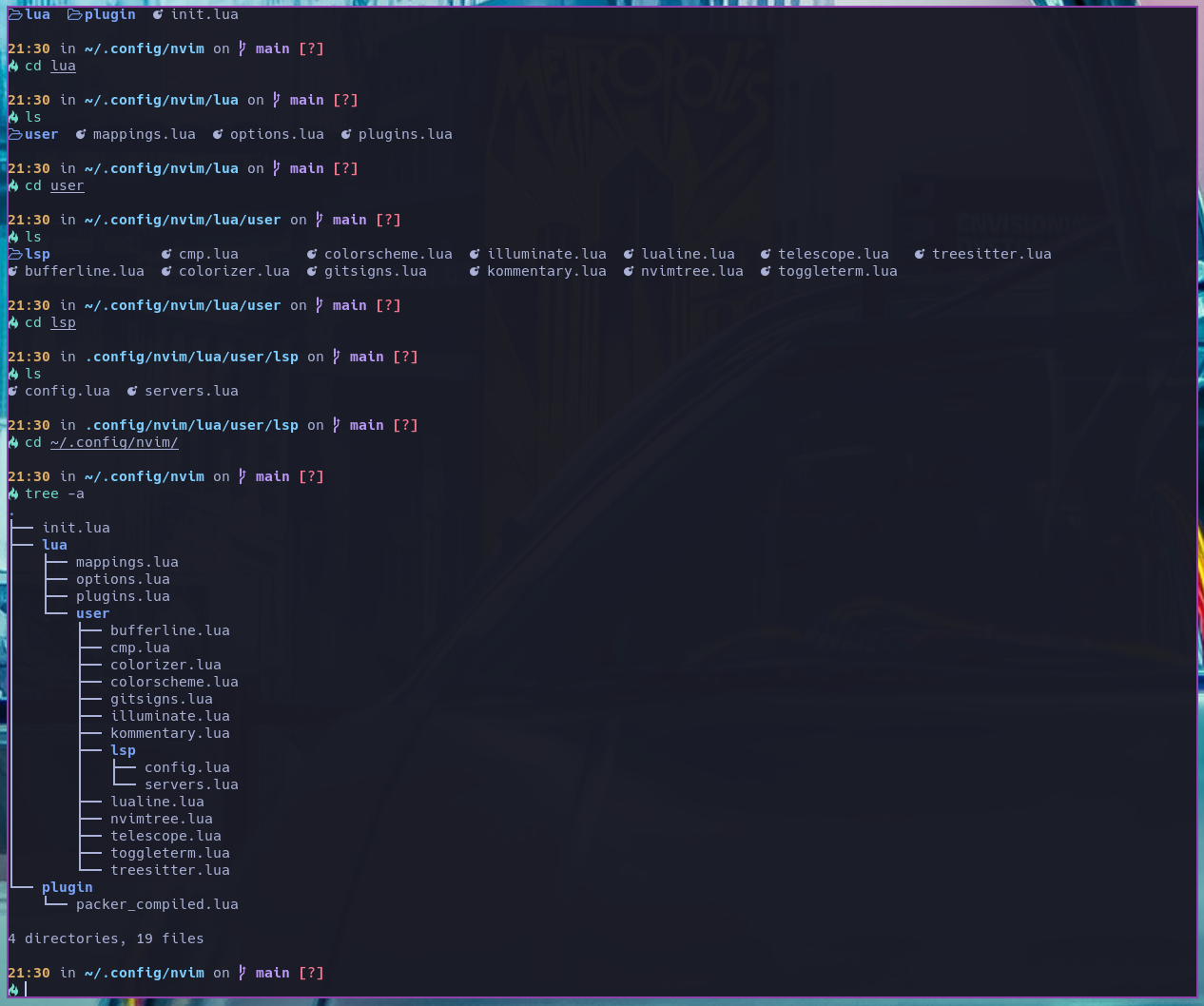
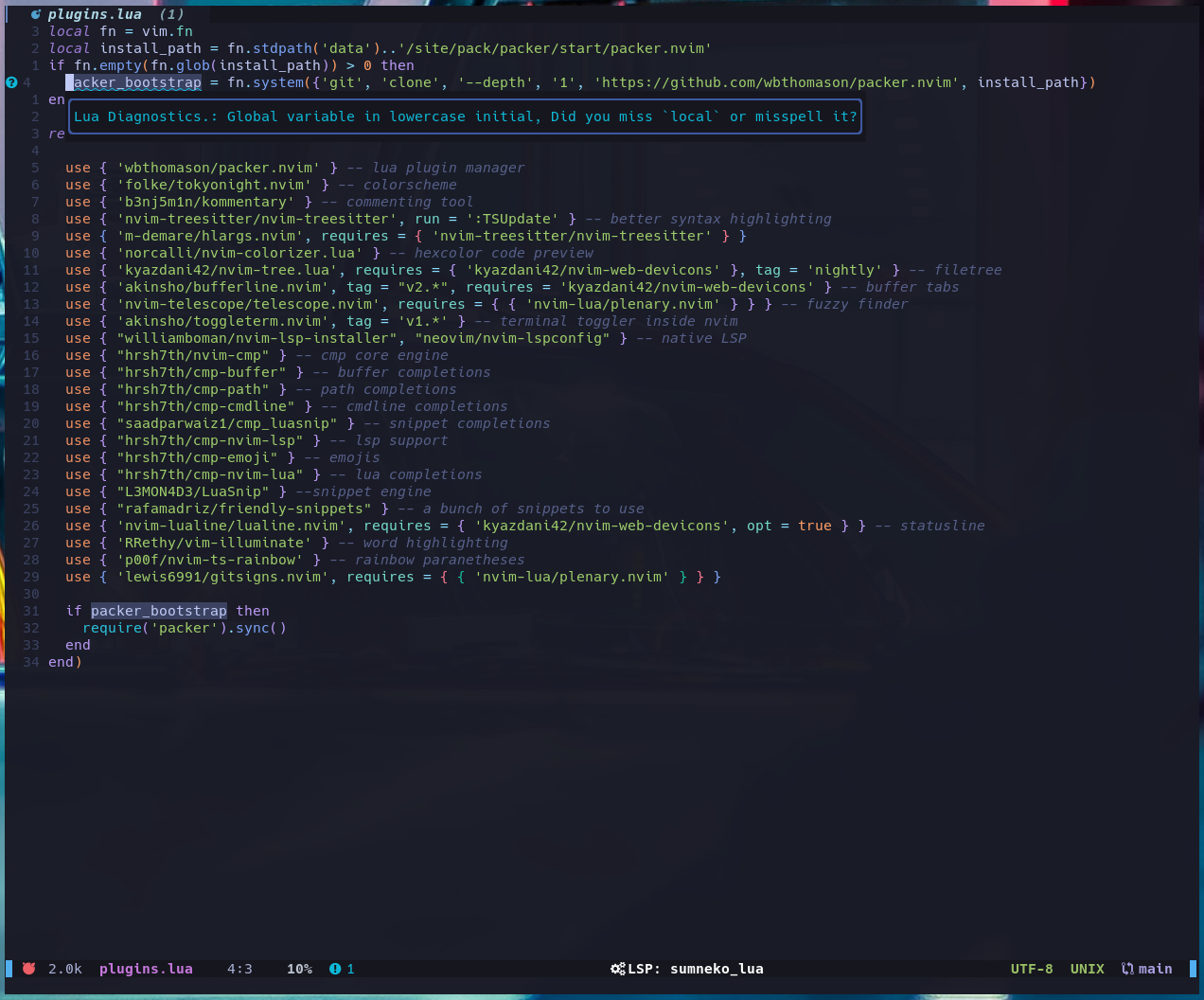
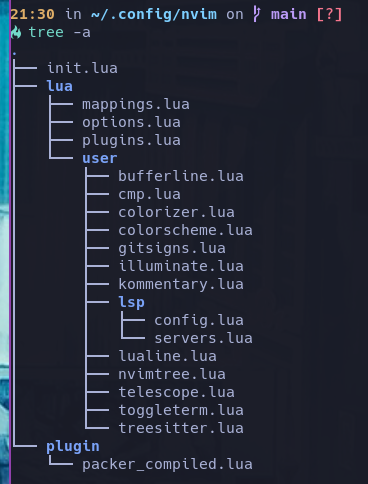
Neovim file structure:
You will need git and GNU stow
Clone into your $HOME directory or ~
git clone https://github.com/bragmore/dotfiles.git ~Run stow to symlink everything or just select what you want
stow */ # Everything (the '/' ignores the README)stow zsh # Just my zsh configIf you want the same visuals for files and directories in your terminal when ls - install exa:
For fonts I use Nerd Fonts (my default is currently Hack Nerd Font in Kitty):
stow
yay -S stowzsh
yay -S zshNeovim
yay -S neovimPacker
yay -S nvim-packer-gitStarship
yay -S starshipExa
yay -S exaNerd Fonts
yay -S nerd-fonts-complete