If you're using Splunk 6.3 or later, please use our app in the Splunkbase: https://splunkbase.splunk.com/app/3013/
- Download & Install Splunk.
- Create a PagerDuty Service Integration API Key.
- Install this App.
- Set PagerDuty API Key.
- Enable Alert.
Download & Install Splunk.
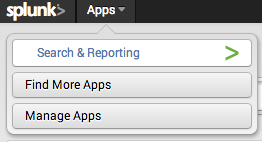
- From Splunk, select Apps and click Find More Apps:
- Search for 'pagerduty':

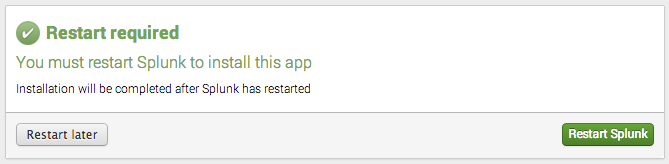
- Restart Splunk:
- From Splunk, select Apps and click Manage Apps:
-
- Locate 'PagerDuty Alerts' and click 'Set up':

- Enter your PagerDuty Integration API Key and click Save:


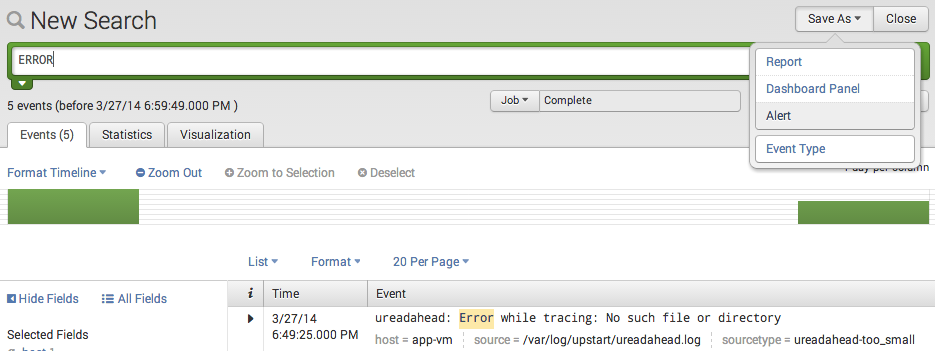
- From Splunk, search for a term and click Save As - Alert:
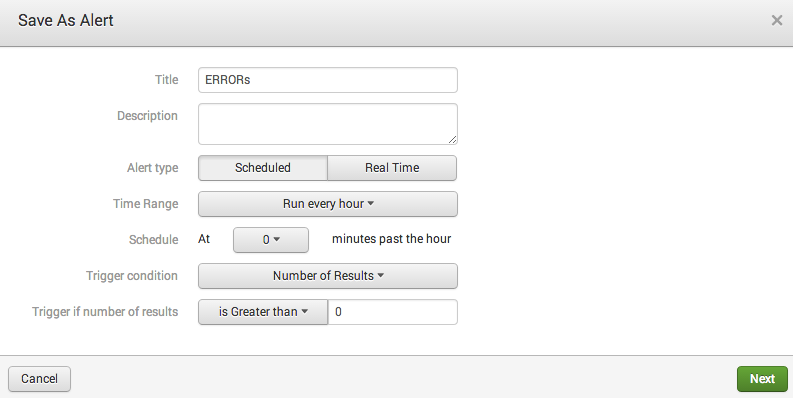
- Pick a name and schedule for the alert:
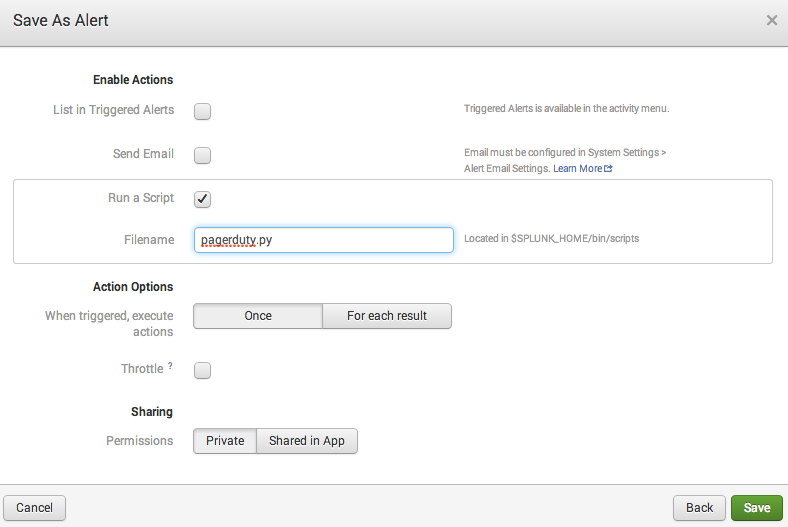
- Click 'Run a Script' and enter 'pagerduty.py', then click 'Save':

Enjoy having Splunk Alerts delivered to PagerDuty!
See CONTRIBUTORS.rst
Copyright 2014 OnBeep, Inc.
Apache License, Version 2.0
See LICENSE