This is a React application that allows users to search for and view information about movies.
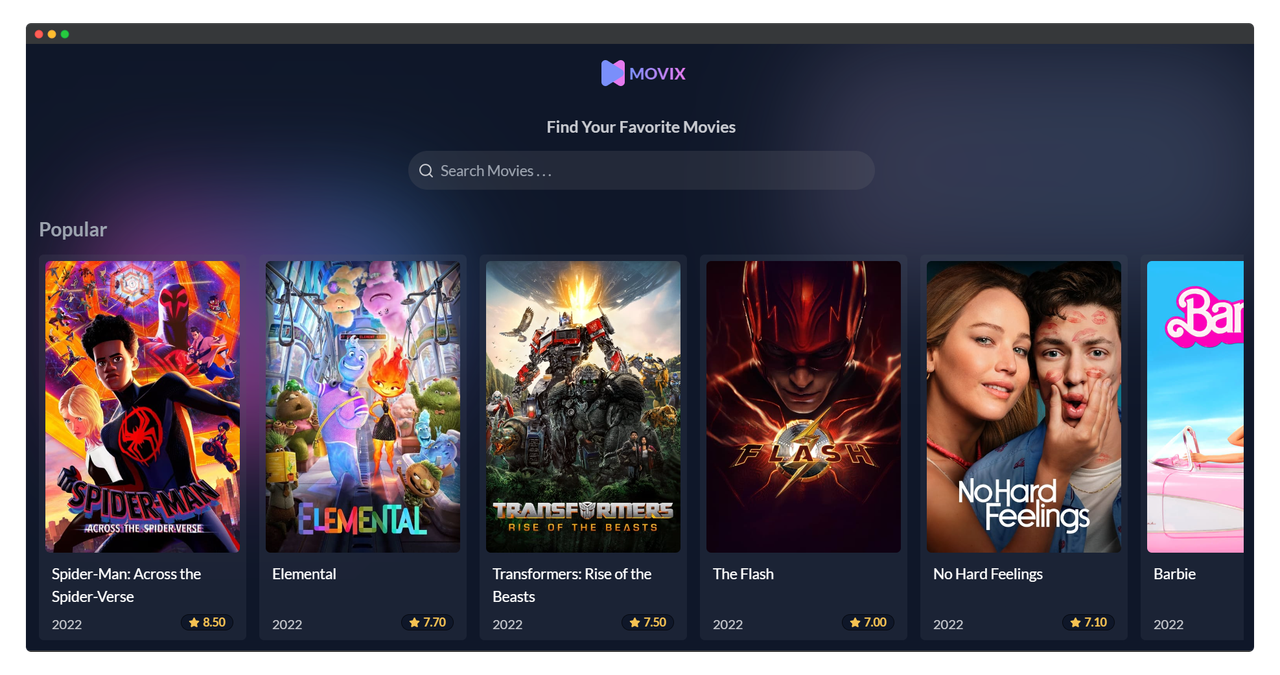
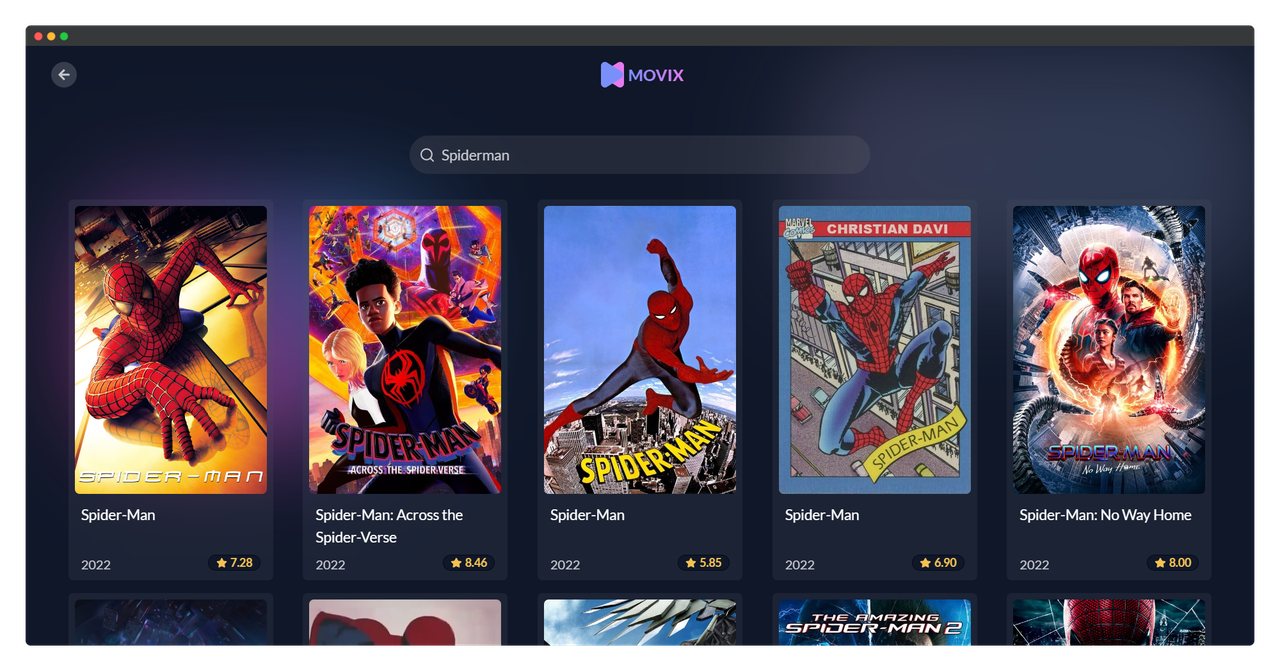
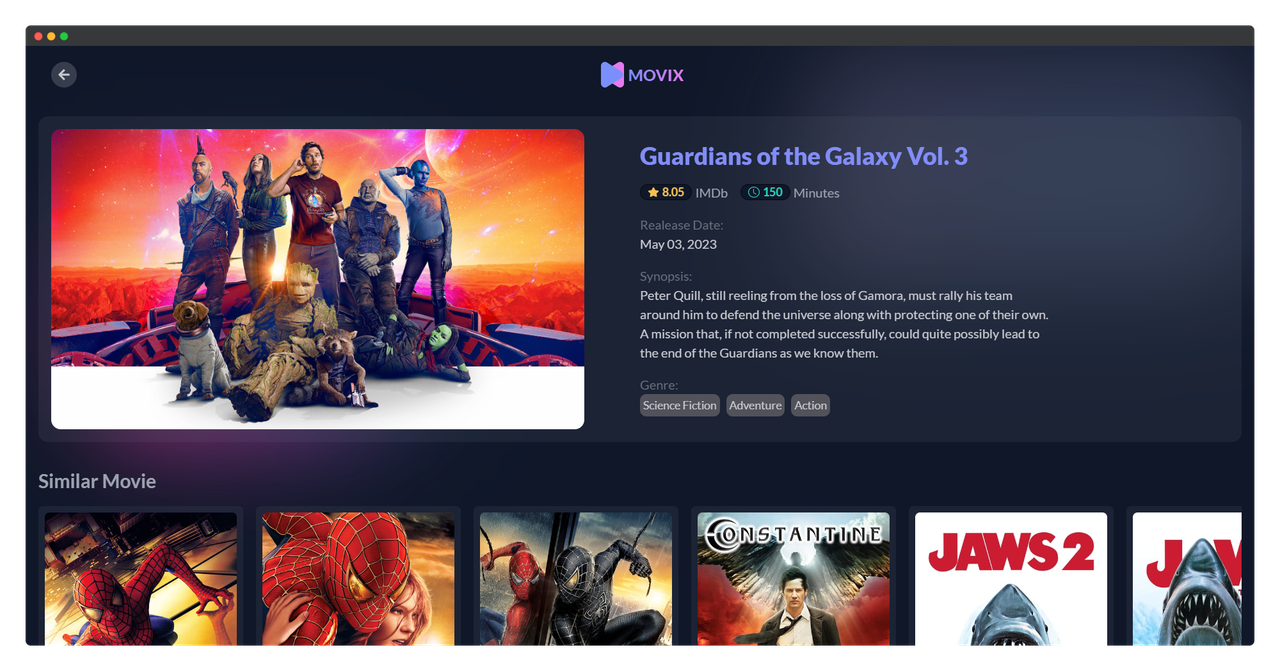
- Search for movies by title
- View details about a movie including title, release date, overview, genres, runtime, rating
- Responsive design for mobile and desktop
- View list of popular movies, upcoming movies, now playing movies, top rated movies (Home Page)
- View List of Similar movies based on movie detail with horizontal scrolling for better UX
- Horizontal scrolling for movie lists on home page for better browsing experience
Framework: React, Typescript, Vite
Data Fetch: React Query (Tanstack)
Styling: TailwindCSS, DaisyUI
This custom hook is for fetching data from tmdb API, take 1 argument as additional URL, it resuable function to fetch movie data
In this example useGetMovie take argumen from props.category
MovieList.tsx

function MovieList({category,titleCategory,}){
    const { data, isLoading } = useGetMovie(category);
....
Now we can reuse MovieList component and customize the category by passing it to its props
Home.tsx;

import Header from "../components/Header";
import MovieList from "../components/MovieList";

function Home() {
    return (
        <main className="flex flex-col items-center gap-8 mx-4 my-4">
            <Header />
            {/* Show Movie List Based on each Category  */}
            <MovieList category="popular" titleCategory="Popular" />
            <MovieList category="upcoming" titleCategory="Upcoming" />
            <MovieList category="now_playing" titleCategory="Now Playing" />
            <MovieList category="top_rated" titleCategory="Top Rated" />
        </main>
    );
}

export default Home;
useDebounce hook is used to debounce a value. It takes in a value and a delay time as arguments.
function SearchPage() {
    const [search, setSearch] = useState("");

    const handleSearch = (e: React.ChangeEvent<HTMLInputElement>) => {
        setSearch(e.target.value);
    };
    // useDebounce is custom hooks to delay fetching data, in here use search from state as value
    const debounceSearch = useDebounce(search, 500);
    // Fetch data by query received from search state
    const { data, isLoading } = useQuery({
        //caching the data with this key and use it to render the search result
        queryKey: ["search", debounceSearch],
        queryFn: async () => {
            const response = await axios.get(
                `${baseUrl}/search/movie?query=${search}&api_key=${apiKey}`
            );
            return response.data.results;
        },
});Clone the project
git clone https://github.com/farizge/movie-app.gitGo to the project directory
cd movie-appInstall dependencies
npm installStart the server
npm run devTo run tests, run the following command
npm run test