


This is the public repository for the Screen Snip app included with Windows 2002.
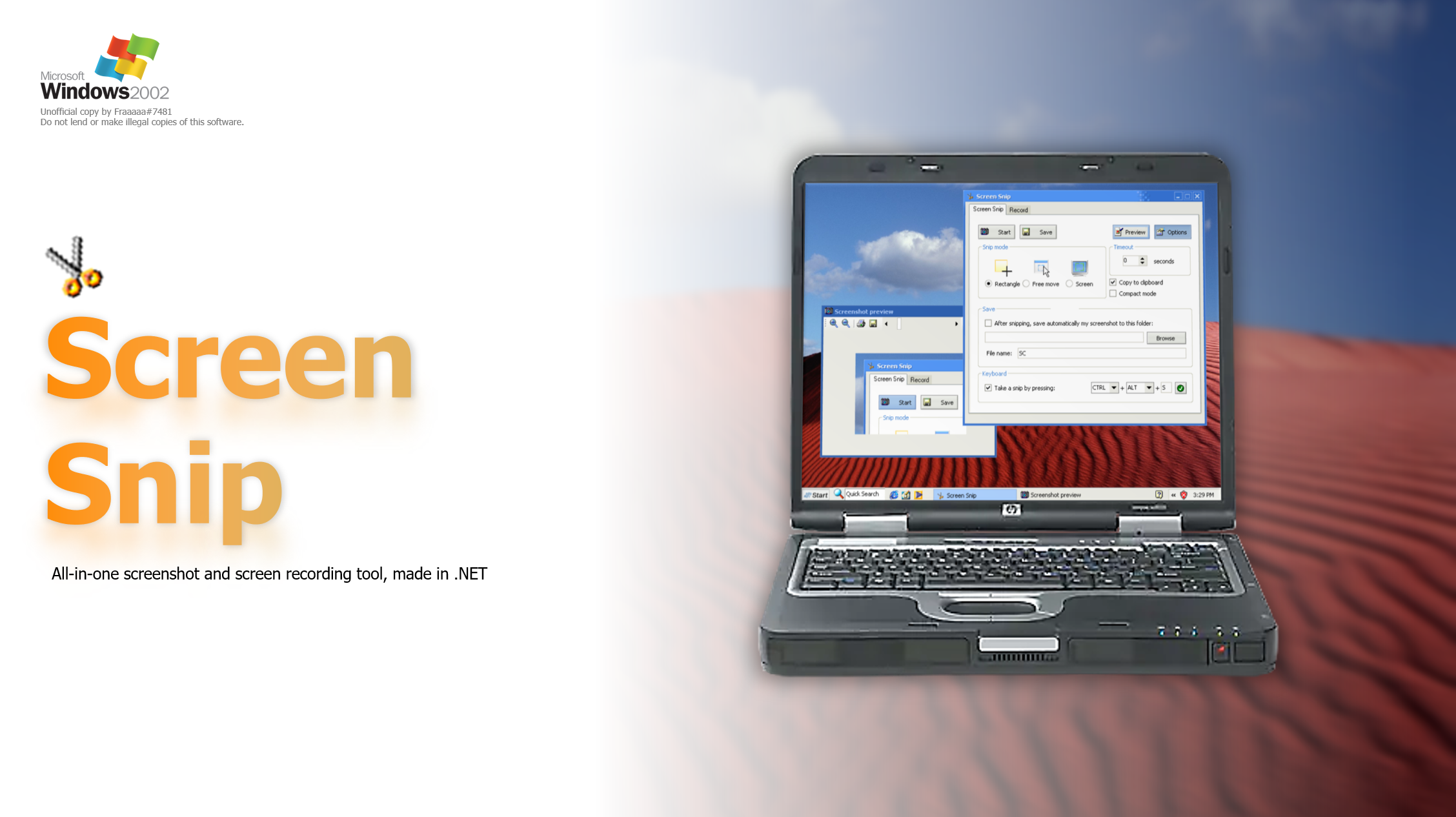 NOTE: this program is designed to work on Windows XP specifically. You can run it on future versions of Windows, but you might encounter some graphical glitches.
Screen Snip features a few features for letting you screenshotting your screen:
-
Rectangle Mode: it does what it do - hides the window and lets you select a rectangle area of the screen
-
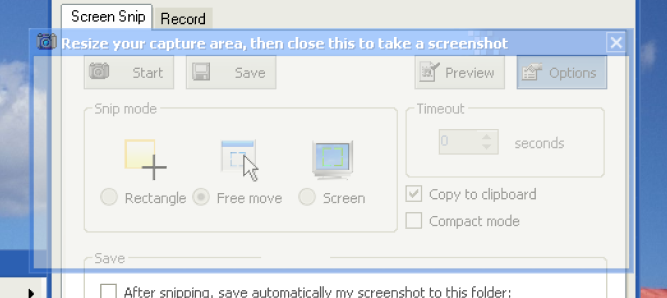
Free Move: this lets you precisely change the position and the dimension of your snipping area, before taking the screenshot. This may be useful if you need some precise screenshots.
-
Screen: captures a screenshot of your screen.
-
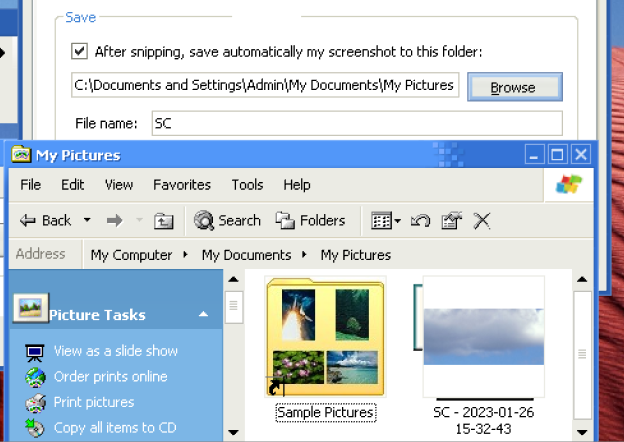
Automatic save: after taking a picture, you can choose to save your picture directly to a folder. You can also add a file name, and date/time of when it was taken.
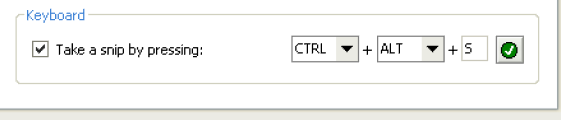
- Keyboard binding: to make things faster, whenever you have open Screen Snip, you can press the hotkey you've selected to take a screenshot.
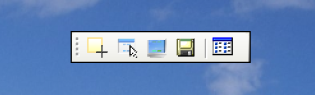
- Compact Mode: for simplicity, there's included also a Compact mode, which shrinks down Screen Snip to a little toolbar floating on the top of the screen, featuring only the essential features.
Screen Snip also includes a recording feature, which lets you record your screen in AVI format.
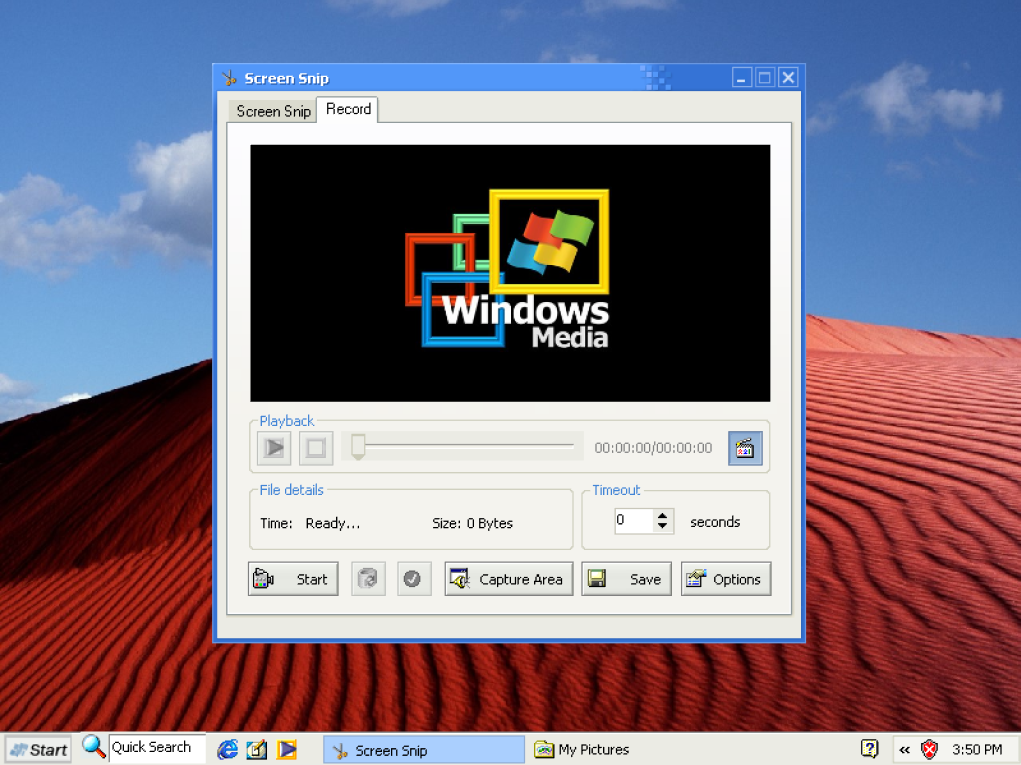
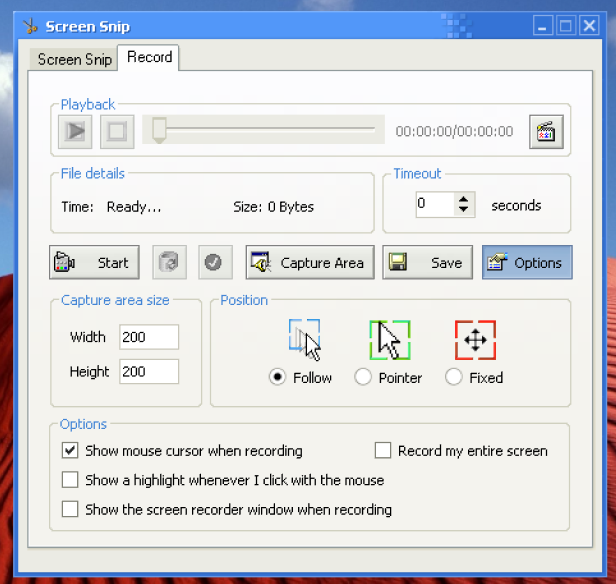
While recording, you can decide between three different modes:
- Follow: the recording smoothly follows your mouse around your screen, best when you are moving a lot around the screen and want a smooth record

- Pointer: the recording is always centered on your mouse

- Fixed: records the area of the screen you've set. To set it up, just press "Capture Area" to open where the recording will take place; then, you can move the area around the screen, or resize it as you wish.

Additionally, you can decide between a variety of options, including the ability of having mouse clicks highlighted, not recording the mouse pointer, or also recording your entire screen. Unlike the brand new Windows 11 Snipping Tool also, this one has also a timeout feature when you record, so you can adjust whatever you want before hitting "Record".
With the Previewing feature you can also check your recording area while recording (only if the recording area is 200x200 or lower), or look at your recorded feature before saving it.
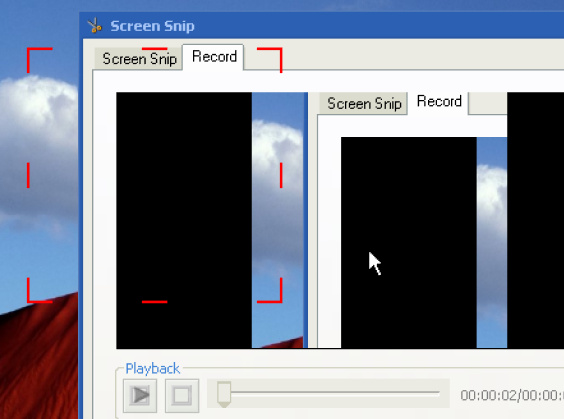
Even if your recording area is bigger than 200x200, in order to not make the app area too cluttered, an external Video Playback window opens, letting you to see the entirety of the recording. The options at your disposal are really a lot!
This project has been created by combining together different projects, and some custom additional features. Thanks to:
- https://www.codeproject.com/Articles/434266/Screen-Capture-2 for the rectangle snip code
- https://www.mediafire.com/?0efeierk7914yi9 for the recording part