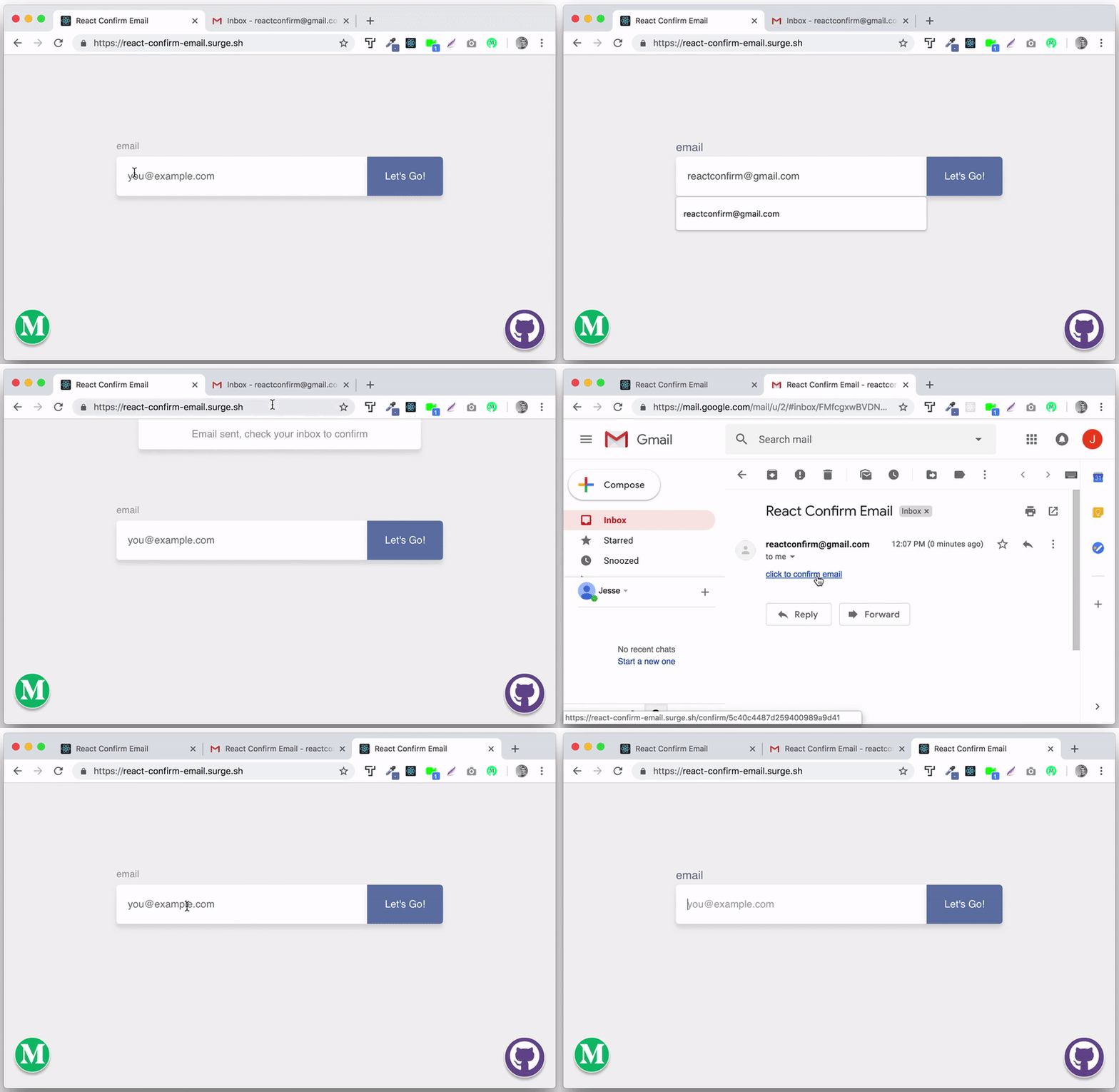
A small MERN app that walks through the classic "collect an email, send a confirmation link, mark it confirmed when clicked" flow. Client and server are both TypeScript.
Email Confirmation with React and Node
git clone https://github.com/funador/react-confirm-email.git

cd react-confirm-email/client
npm i && npm start

# open another terminal tab
cd react-confirm-email/server
npm i && npm run dev

# open another terminal tab (if running mongo locally)
mongodLocal dev always points at mongodb://localhost/simple-email-confirmation (see server/config.ts), so just install and run mongod locally. REACT_CONFIRM_EMAIL_DB_URL in .env is only read when NODE_ENV=production — that's for a real deployment, e.g. pointing at a hosted MongoDB Atlas cluster. If you're deploying somewhere serverless (no fixed IP, e.g. Vercel), Atlas needs 0.0.0.0/0 allowed under Network Access.
Create a dedicated Gmail account for this — its credentials are going to sit in a .env file on your machine, so don't reuse one you care about.
Gmail no longer allows password-based SMTP login for regular accounts. Instead, turn on 2-Step Verification and generate an App Password, then use that as MAIL_PASS:
# server/.env
MAIL_USER=your_new_email_address@gmail.com
MAIL_PASS=your_16_character_app_passwordSomething not working? Please open an issue or submit a PR.