
English | 中文
Datafaker is a large-scale test data and streaming test data generation tool. It is compatible with Python 2.7 and Python 3.4+. Welcome to download and use. The GitHub address is:
https://github.com/gangly/datafaker
Documentation is synchronized and updated on GitHub
In the software development and testing process, test data is often needed. These scenarios include:
- Backend development: After creating a new table, you need to construct database test data and generate interface data for use by the frontend.
- Database performance testing: Generate a large amount of test data to test database performance.
- Streaming data testing: For Kafka streaming data, it is necessary to continuously generate test data to write to Kafka.
After research, there is currently no open-source test data generation tool that can generate data with a similar structure to MySQL tables. The common method is to manually create several pieces of data in the database. The disadvantages of this method are:
- Time-consuming: Need to construct different data for fields of different data types in the table.
- Limited data volume: If you need to construct a large amount of data, manual methods are impractical.
- Inaccurate data: For example, when constructing email addresses (which must follow a certain format), phone numbers (with a fixed number of digits), IP addresses (with a fixed format), age (non-negative with a reasonable range), etc. These test data have certain restrictions or rules, and manual construction may not meet the data range or format requirements, leading to backend program errors.
- Multi-table association: The amount of data created manually is small, and the primary keys in multiple tables may not be associated correctly or may have no associated data.
- Dynamic random writing: For example, for streaming data, you need to write to Kafka at random intervals. Or dynamically insert data into MySQL randomly. Manual operation is relatively cumbersome, and it is difficult to count the number of data written.
To address these pain points, Datafaker was developed. Datafaker is a multi-data source test data construction tool that can simulate most common data types and easily solve the above issues. Datafaker has the following features:
- Multiple data types: Includes common database field types (integer, float, character), custom types (IP address, email, ID number, etc.).
- Simulate multi-table association data: By designating some fields as enumerated types (randomly selected from a specified data list), it ensures that multiple tables can be associated with each other and query data correctly when generating a large amount of data.
- Support for batch data and streaming data generation, with configurable streaming data interval times.
- Support for multiple data output methods, including screen printing, files, and remote data sources.
- Support for multiple data sources: Currently supports relational databases, Hive, Kafka, and MongoDB. Will be extended to Elasticsearch and other data sources.
- Configurable output format: Currently supports text and JSON formats.
Datafaker is written in Python and supports Python 2.7 and Python 3.4+. The current version has been released on PyPI.

The architecture diagram fully illustrates the execution process of the tool. From the diagram, the tool consists of five modules:
- Parameter parser: Parses commands entered by the user from the terminal command line.
- Metadata parser: Users can specify metadata from local files or remote data source tables. After obtaining the file content, the parser processes the text content into table field metadata and data construction rules according to predefined rules.
- Data construction engine: Based on the data construction rules generated by the metadata parser, the engine simulates the generation of different types of data.
- Data routing: According to different data output types, it is divided into batch data and streaming data generation. For streaming data, the generation frequency can be specified. The data is then converted to a user-specified format for output to different data sources.
- Data source adapter: Adapts to different data sources and imports the generated data into the corresponding data source.
Download the source code, unzip it, and install:
python setup.py installpip install datafakerpip install datafaker --upgradepip uninstall datafaker| Data Source | Package | Note |
|---|---|---|
| MySQL/TiDB | mysql-python/mysqlclient | Use mysqlclient for Windows + Python 3 |
| Oracle | cx-Oracle | Requires some Oracle libraries |
| PostgreSQL/Redshift | psycopg2 | |
| SQL Server | pyodbc | Use connection string format: mssql+pyodbc://mssql-v |
| HBase | happybase, thrift | |
| Elasticsearch | elasticsearch | |
| Hive | pyhive | |
| Kafka | kafka-python | |
| MongoDB | pymongo |
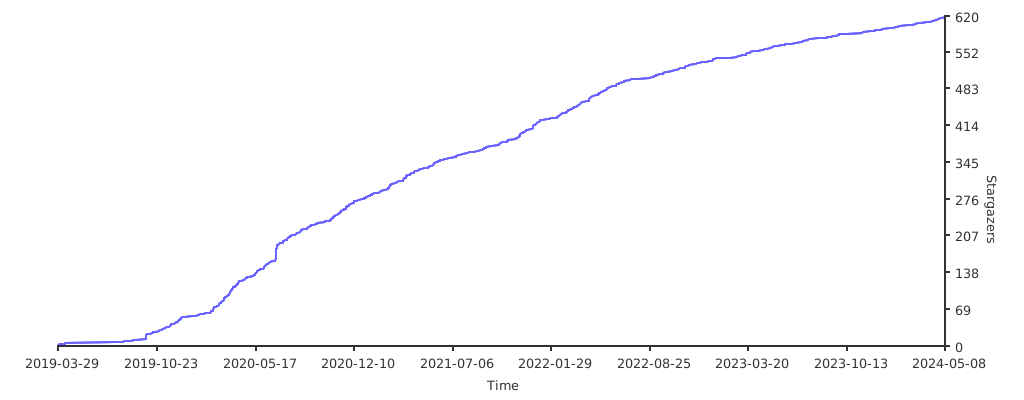
Give a star or donate a coffee to the author
- 给作者点个star或请作者喝杯咖啡
