How to convert images to byte vector
This repository contains an application used for evaluation while studying Computer Science, in the fifth semester, for the subject 'APS' - Supervised Practical Activities.
To run this application, you need to have a JAVA SE development environment set up on your computer.
As an IDE, I recommend using NetBeans IDE 8.0.2.

Just clone this repository, or download it.
Open the project in the IDE, and run it.
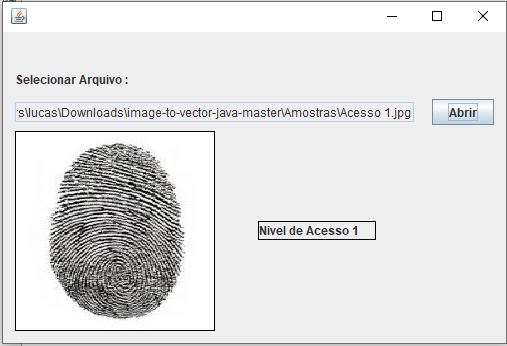
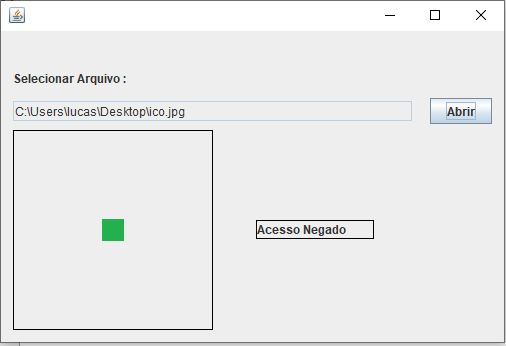
The initial screen asks for an image to be imported, this process aims to simulate the reading of a biometry through some biometric reader.
In this project, a base of 10 images is attached within the 'Amostras' folder for use in tests.
When the image is read by the app, the image is sequenced in a vector and compared with the files used as a database.
When the comparison is made, data is output indicating whether the user has access or not.
Example 1: Access allowed
Example 2: Access denied
This project is a prototype, which seeks to simulate comparisons of images in a database, as a conventional biometric reader works.