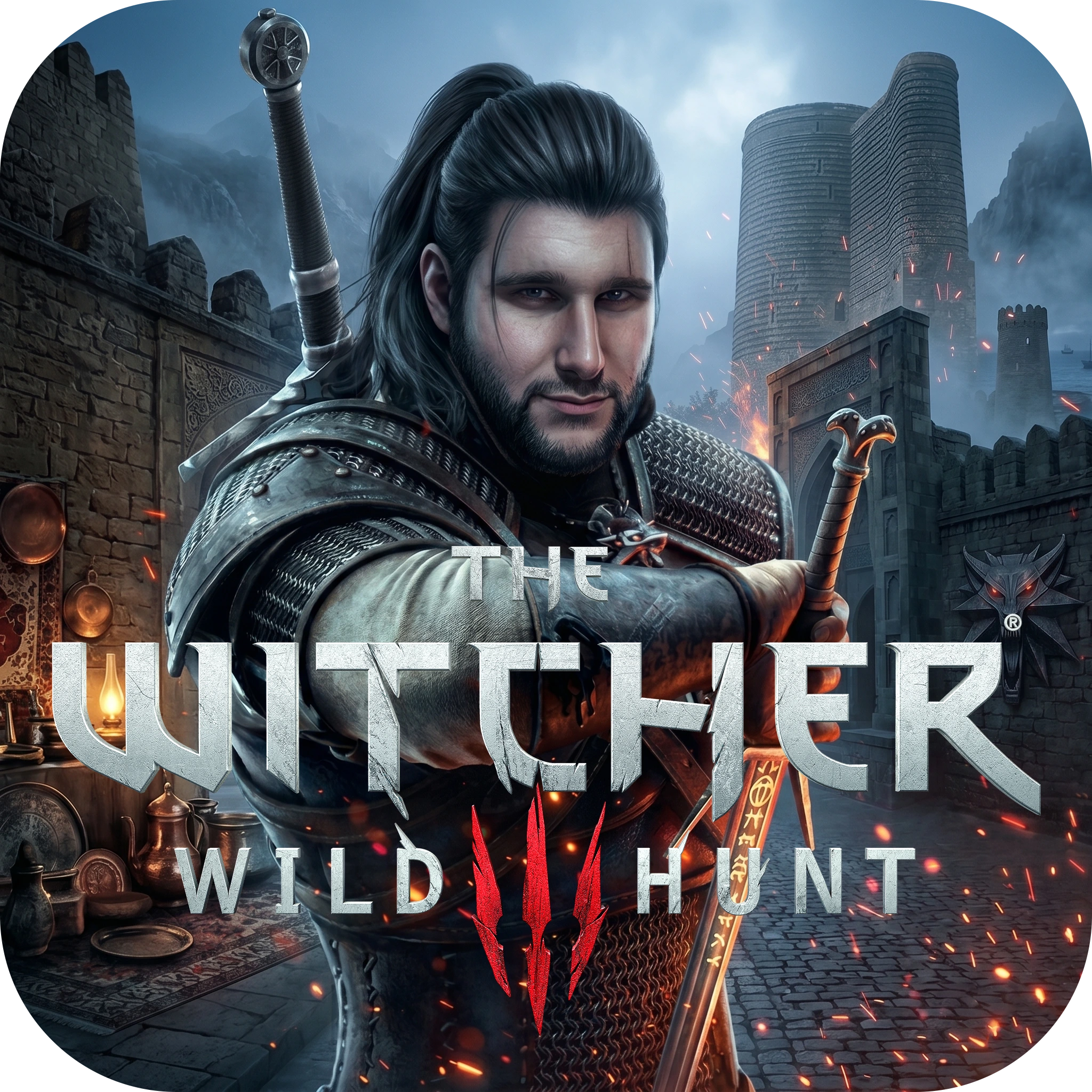
An advanced, AAA-style desktop application for managing mods and localizing The Witcher 3: Wild Hunt.
The Witcher 3 Mod Manager & Localizer is a robust, beautifully designed desktop application built with Flutter. Originally created to seamlessly deliver the Azerbaijani language pack and custom fonts to the local community, it has evolved into a fully-fledged mod manager.
Featuring a modern Glassmorphism UI with immersive particle effects, this tool allows players to install, toggle, and prioritize third-party mods, bypass default launchers, and safely edit game configuration files with zero manual effort.
- 🚀 Smart Path Detection: Automatically locates your game directory (Steam/GOG) and the
Documents\The Witcher 3folder. Features a "Deep Scan" fallback for custom install locations. - 📦 Universal Mod Extraction: Drag & drop support for
.zip,.rar, and.7zarchives. The app uses an intelligent algorithm to find nestedmod...folders and extracts them perfectly to the game directory using an integrated7za.exeengine. - 🛡️ Conflict Resolution (Priority System): Automatically updates the
mods.settingsfile. When you install a mod, it assigns priorities and safely disables (Enabled=0) older conflicting mods in the same category. - ⚡ Clean Launch (Bypass): Launch the game directly from the app or via a generated desktop shortcut, completely bypassing the CDPR Red Launcher for a faster startup.
- 🌐 Built-in Translation Toolkit: Includes a direct shortcut to launch
w3strings.exe(with its required DLLs) directly from the app's assets, empowering community translators. - 🔄 Auto-Updater: Built-in JSON-based version checker that notifies users instantly when a new release is available on the server.
- 🎨 Immersive UI: A stunning, borderless AAA launcher interface with dynamic fire/ember particle systems and smooth transitions.
- Download the latest
Setup.exefrom our official website:
👉 Download Mod Manager - Run the installer. It will automatically install the app and create a desktop shortcut.
- IMPORTANT: Right-click the installed app and select "Run as Administrator". This is required because Windows prevents standard apps from writing files to the
C:\Program Filesdirectory where your game might be installed.
- Installing Official Packs: Select the Language Pack or Fonts from the Home screen and click "Install".
- Adding Third-Party Mods: Navigate to the Mod Manager tab, click "Install External Mod", and select your downloaded archive (
.rar,.7z,.zip). - Managing Mods: Toggle mods on/off or adjust their load priority directly from the Mod Manager interface. Changes are instantly saved to
mods.settings.
- Frontend: Flutter (Dart) for Windows Desktop
- Window Management:
window_managerfor custom, borderless frames. - Extraction Engine:
archive(Dart) for ZIPs, and integrated7-Zip CLIfor RAR/7Z archives. - Installer Setup: Inno Setup 6 (Customized with Azerbaijani localization).
- Backend: PHP & JSON (for the community translation database and auto-updater).
This project is completely free and open-source. If you appreciate the hundreds of hours spent building this tool and translating the game, consider supporting the development. Your motivation keeps this project alive!
- ☕ Kofe.al: @ruhidjavadoff
- 🍵 Çayvoy: ruhid4715
- 💳 PayPal:
ruhidjavadoff@gmail.com - 🪙 Crypto (USDT - BNB Smart Chain):
0x9a4AD41762D6B07B8C266b312Cf0dBe31FAd890c
The Witcher® 3: Wild Hunt © CD PROJEKT RED.
This is an unofficial community/fan-made tool.