


Interactive onboarding tour for new Nextcloud users
IntroVox provides a user-friendly guided tour that helps new users get started with Nextcloud. Built with Vue 3 and Shepherd.js, it offers customizable tour steps, multi-language support, and comprehensive admin configuration with import/export capabilities.
- Interactive Guided Tour - Step-by-step introduction to Nextcloud features
- User Control - Users can permanently disable the wizard or restart it anytime
- "Skip and don't show again" - Quick opt-out on first encounter
- Smart Behavior - Closing with X only marks completed; "Done" button disables auto-start
- Personal Settings - Full control over wizard preferences in Personal Settings → IntroVox
- 6 Languages Included - English, Dutch, German, Danish, French, Swedish
- Transifex-Ready - Dynamically detects new language files - no code changes needed
- Per-Language Configuration - Customize tour steps independently for each language
- Language Availability Control - Admins can enable/disable specific languages
- Community Contributions - Easy for translators to add new languages via Transifex
- Full CRUD Interface - Add, edit, delete, and reorder tour steps
- Group-Based Visibility - Show specific steps only to certain user groups (role-based onboarding)
- Import/Export - Share configurations, collaborate with content creators
- Language Management - Enable/disable languages, manage per-language steps
- Global Controls - Enable/disable wizard, force show to all users
- Visual Feedback - Enable/disable individual steps, drag-and-drop reordering
- Nextcloud Design System - Matches Nextcloud UI patterns and components
- Full Theme Support - Adapts to light, dark, and high contrast modes
- Mobile Responsive - Optimized for all screen sizes
- Accessibility - Reduced motion support, keyboard navigation
- Privacy-Focused - Tour completion status stored locally
- No External Dependencies - All resources bundled
- Lightweight - Optimized bundle size (~210 KB main.js)
- Production-Ready - Clean code without debug logging
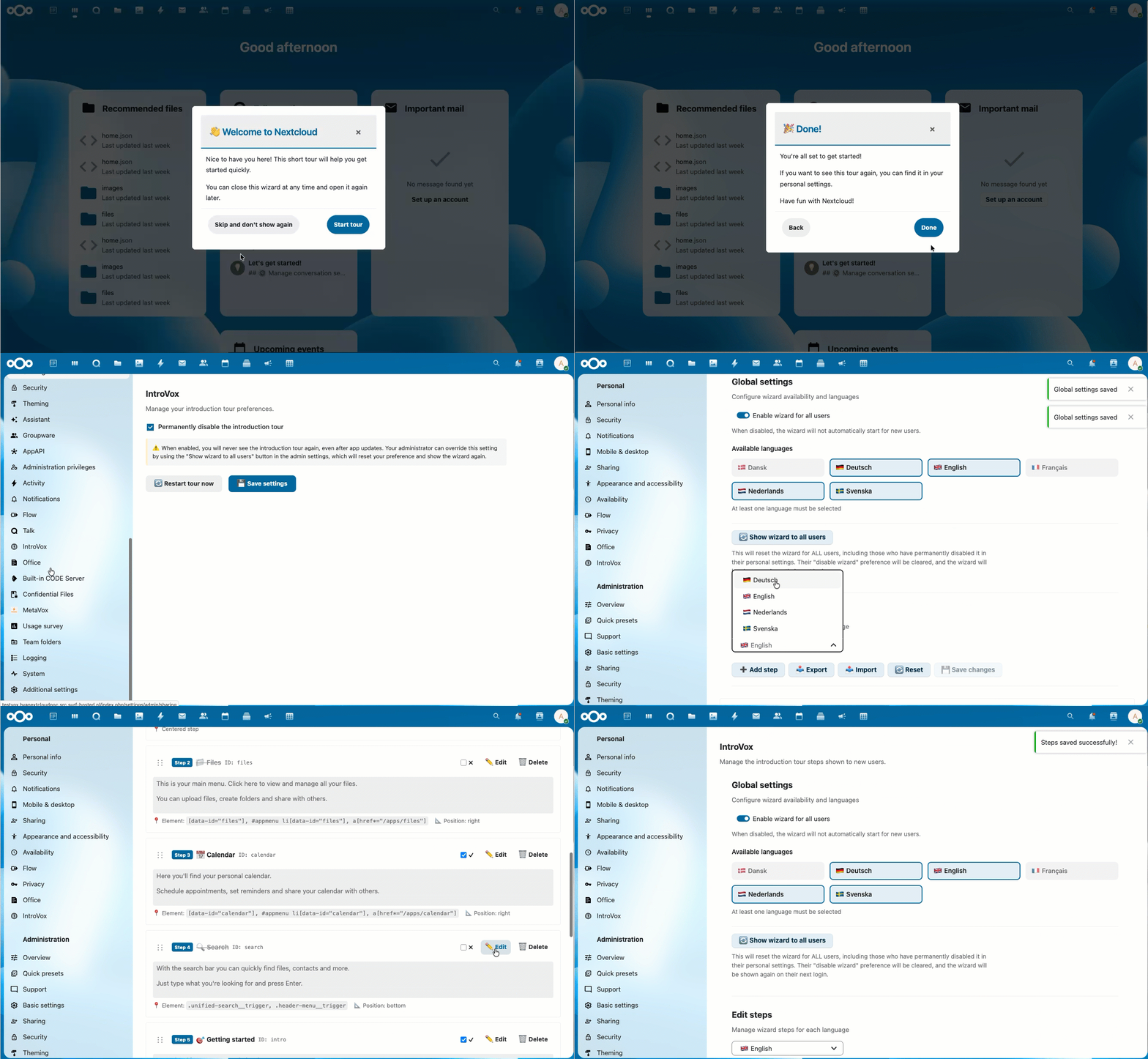
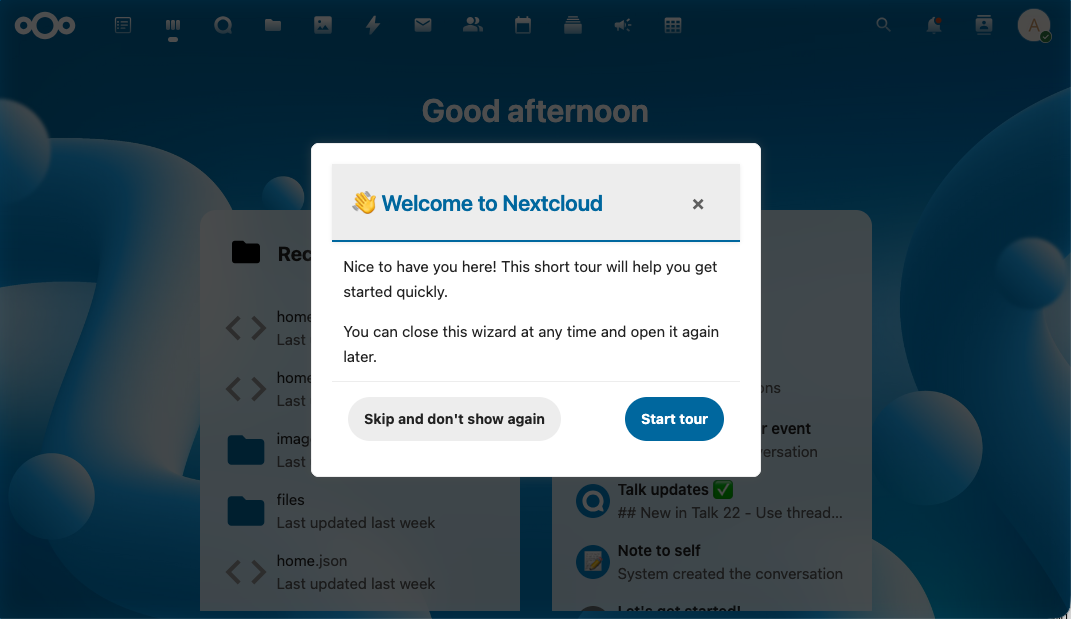
Interactive step-by-step tour through Nextcloud's main features
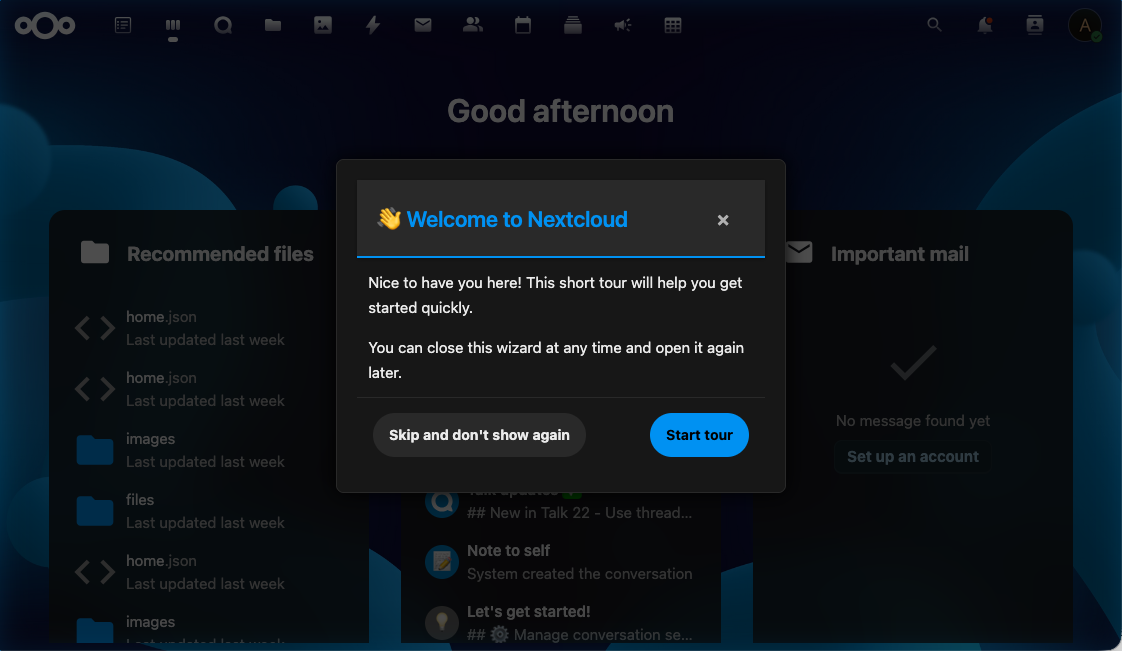
Automatically adapts to your Nextcloud theme (light, dark, and high contrast modes)
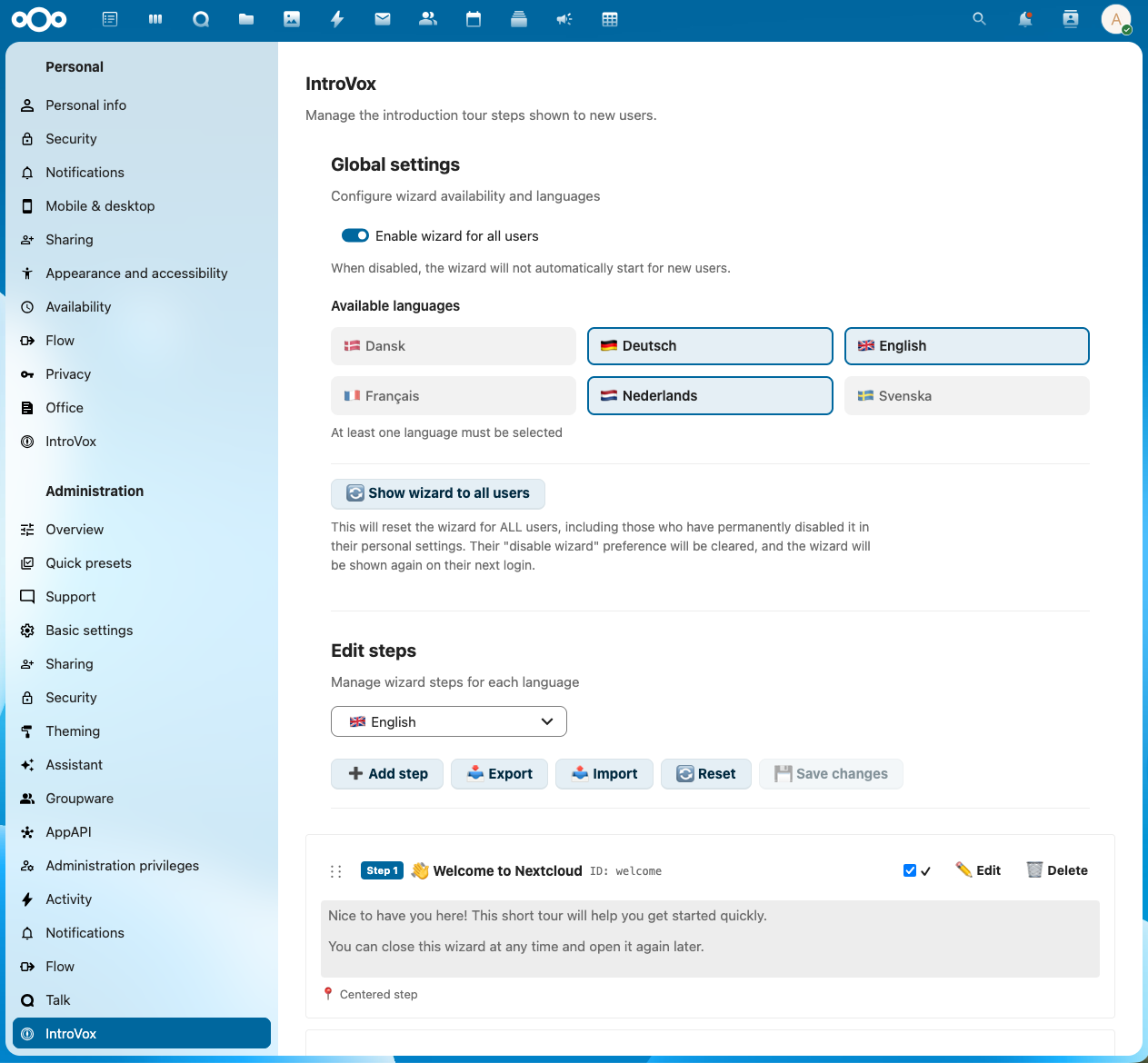 Administrators can easily manage and customize tour steps
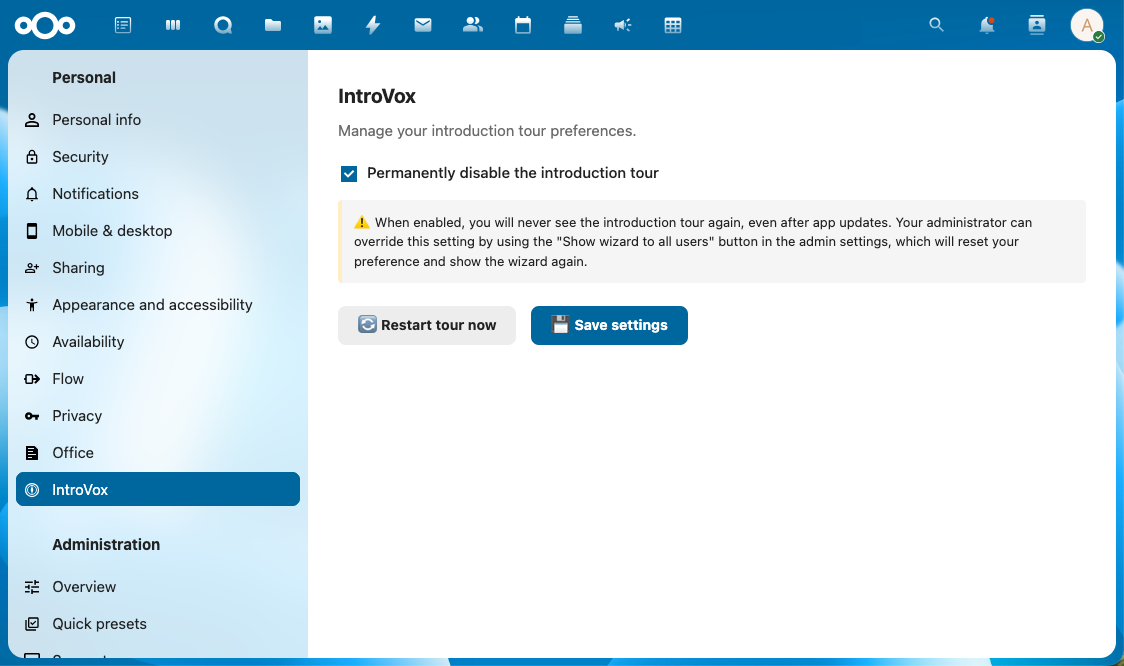 Users can restart the tour anytime from their personal settings
- Log in to your Nextcloud instance as an administrator
- Go to Apps in the top-right menu
- Search for "IntroVox"
- Click Download and enable
Or install directly from the Nextcloud App Store
- Download the latest release from GitHub Releases
- Extract to your Nextcloud
apps/directory - Enable the app:
sudo -u www-data php occ app:enable introvox
git clone https://github.com/nextcloud/IntroVox.git
cd IntroVox
npm install
npm run buildAfter logging in, IntroVox will automatically guide you through Nextcloud's main features (if your language is enabled).
User Options:
- Skip and don't show again - On first step to permanently opt-out
- Restart tour - Go to Personal Settings → IntroVox → Click "Restart tour now"
- Permanently disable - Check "Permanently disable the introduction tour" in Personal Settings → IntroVox
Quick Setup:
- Go to Admin Settings → IntroVox
- Enable languages you want to support
- Customize wizard steps per language (or use defaults)
- Enable wizard globally
- Optionally use "Show wizard to all users" to force restart for everyone
Key Admin Features:
- Language Management - Select which languages are available
- Group-Based Visibility - Restrict steps to specific user groups (e.g., admin-only steps)
- Import/Export - Share configurations or work with content creators
- Per-Language Steps - Customize wizard content for each language
- Global Controls - Enable/disable wizard, force show to all users
📚 Complete Documentation:
- Administrator Guide - Comprehensive guide covering all features, FAQ, and best practices
- User Manual - End-user guide for using the wizard
- Deployment Guide - Best practices for organizations
npm install         # Install dependencies
npm run build       # Production build
npm run watch # Development modeAGPL-3.0 - see LICENSE file
The initial idea for IntroVox came from SURF, who identified the need for better onboarding experiences for their thousands of users in the Dutch education and research community. Throughout the development process, SURF provided valuable feedback that helped shape IntroVox into a practical and effective solution.
Built with: