

FolderPilot is a VS Code extension that runs Copilot-powered skills against a folder. Skills live in workspace-level .agent/interactive_skills/<skill>/SKILL.md files and are enabled per folder with .agent/interactive_skills.yaml. Outputs are written into the folder's tmp/ directory and opened in VS Code.
- Explorer view to discover skill-enabled folders.
- One-click skill execution with input prompts.
- HTML, Markdown, PNG, and JPG preview support.
- Per-skill cache to avoid rerunning unchanged inputs.
- VS Code 1.107+
- GitHub Copilot extension installed and signed in (active subscription)
- For development: Node.js 22 and npm
npm installnpm run watch- Press
F5to launch the Extension Host - In the Extension Host, open
agent_plan/examples/workspace - Open the "FolderPilot" view in Explorer and run a skill
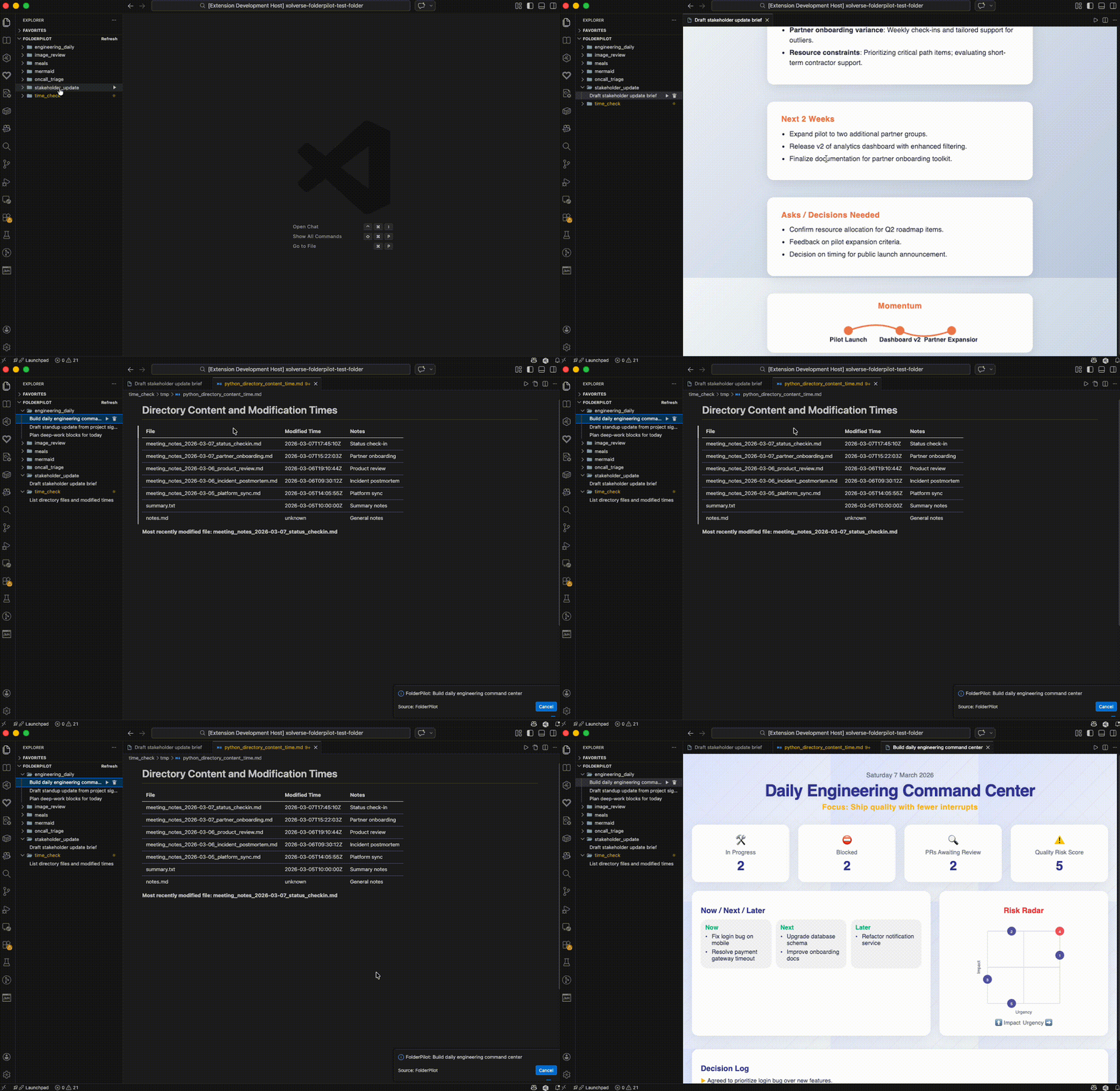
Open the stakeholder_update/ folder, run the Draft Stakeholder Update skill, and get a polished report in seconds.
workspace/
  .agent/
    interactive_skills/
      <skill>/
        SKILL.md
  <content-folder>/
    .agent/
      interactive_skills.yaml
      cache/
    tmp/
Skill files are Markdown with YAML frontmatter. Required fields: name, description, prompt. Optional: inputs, output_format.
---
name: build_daily_command_center
description: Build daily command center
output_format: html
inputs:
  timezone:
    description: Timezone label
    default: "PT"
prompt: |
  Summarize the folder content into a dashboard.
  Use ${input:timezone} when listing dates.
---
The extension asks Copilot to return a JSON object with outputs, for example:
{"outputs":[{"path":"tmp/build_daily_command_center.html","type":"html","content":"..."}]}
Keep outputs under tmp/ and return content directly; the extension does not execute scripts.
- FolderPilot: Run Skill
- FolderPilot: Clear Skill Cache
- FolderPilot: Refresh
Cached outputs are stored under <folder>/.agent/cache/ and keyed by skill file content, input values, and input file mtimes.
npm run compileto build oncenpm run watchto build on changenpm run lintto lintnpm testto run tests