peek-cli allows agents to capture a screenshot of any open tab in your browser.
Your agents can now iterate on frontend designs until they're flawless.
Works with Claude Code, Codex, Copilot and many more...
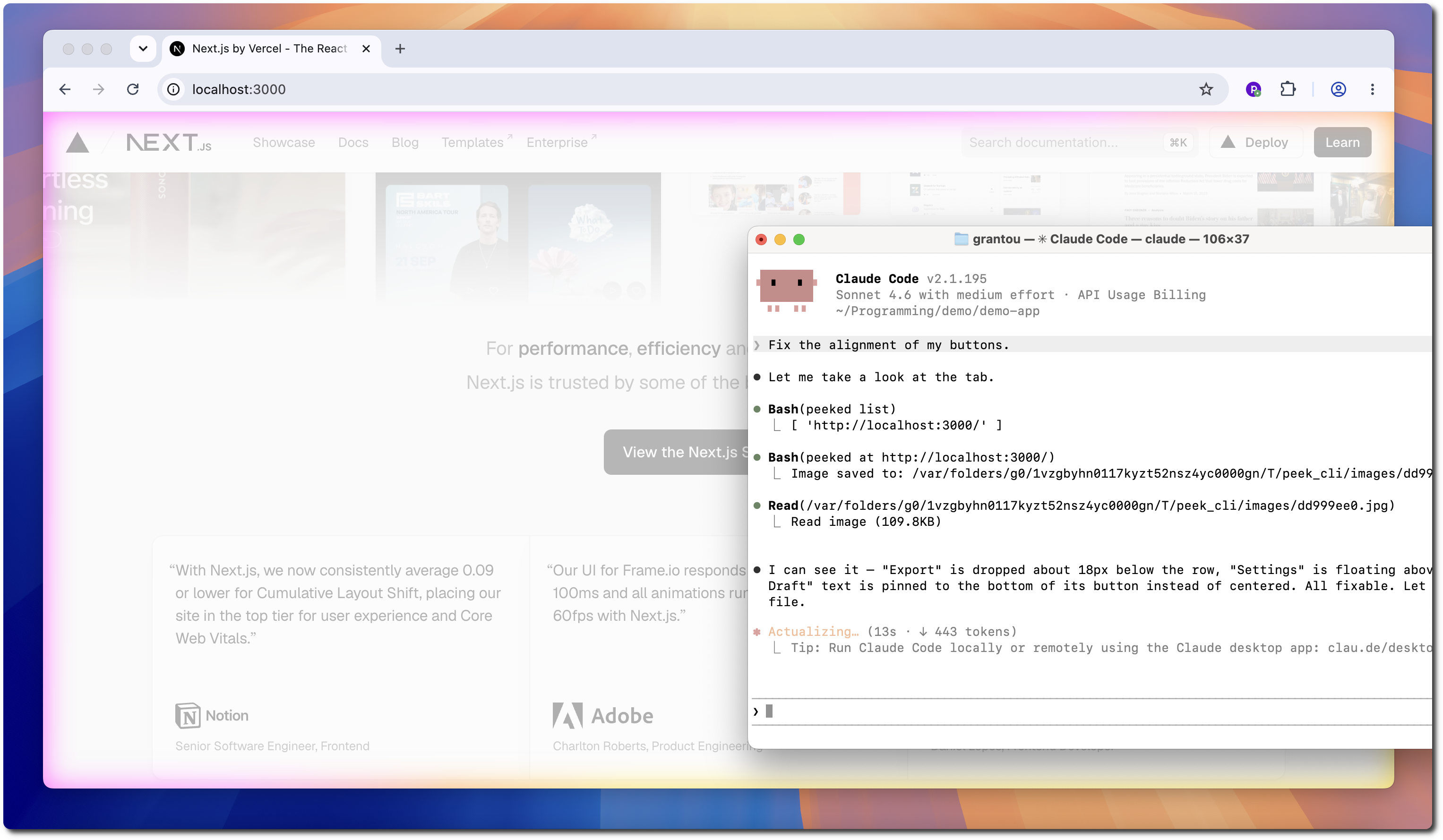
See it in action:
demo.mp4
It works by using a browser extension to stream screenshots over WebSockets.
For security, you need to connect the agent once on every startup.
- Start the WebSocket daemon:
peeked start
> Successfully started server.- Connect your browser:
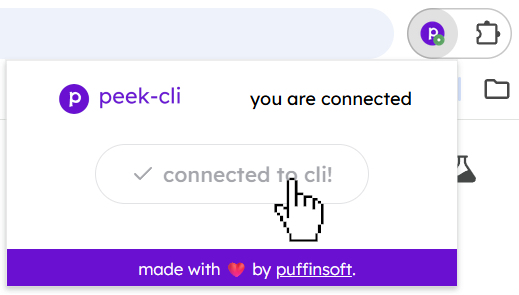
- You're good to go!
peeked list # view available tabs
> [ 'http://localhost:3000/' ]

peeked at http://localhost:3000 # capture screenshot
> Image saved to: /var/.../peek_cli/images/dd999ee0.jpg- Install the Chrome Extension.
🎉 the extension has been approved on the Chrome Web Store!
- Install the CLI
npm i -g peeked- Install the Skill
For Claude Code:
/plugin marketplace add puffinsoft/peek-cli
/plugin install view-browser-tab@peek-cli
For Codex:
codex plugin marketplace add puffinsoft/peek-cli
codex plugin add view-browser-tab@peek-cli
Yes, 100%. It is impossible for the agent to do anything but take a screenshot.
This is because the agent sends screenshot requests to the extension through a WebSocket server.
It never accesses the browser and cannot inject any scripts / perform any actions.
We invite you to take a look at the extension source code for added peace of mind.
peek-cli is open source software, licensed under the MIT license.