An experimental browser edition of NFS II Special Edition, built on the NFSIISE cross-platform wrapper.
Play in your browser: nfs2web.rizasabuncu.com (original NFS II Special Edition game data required).
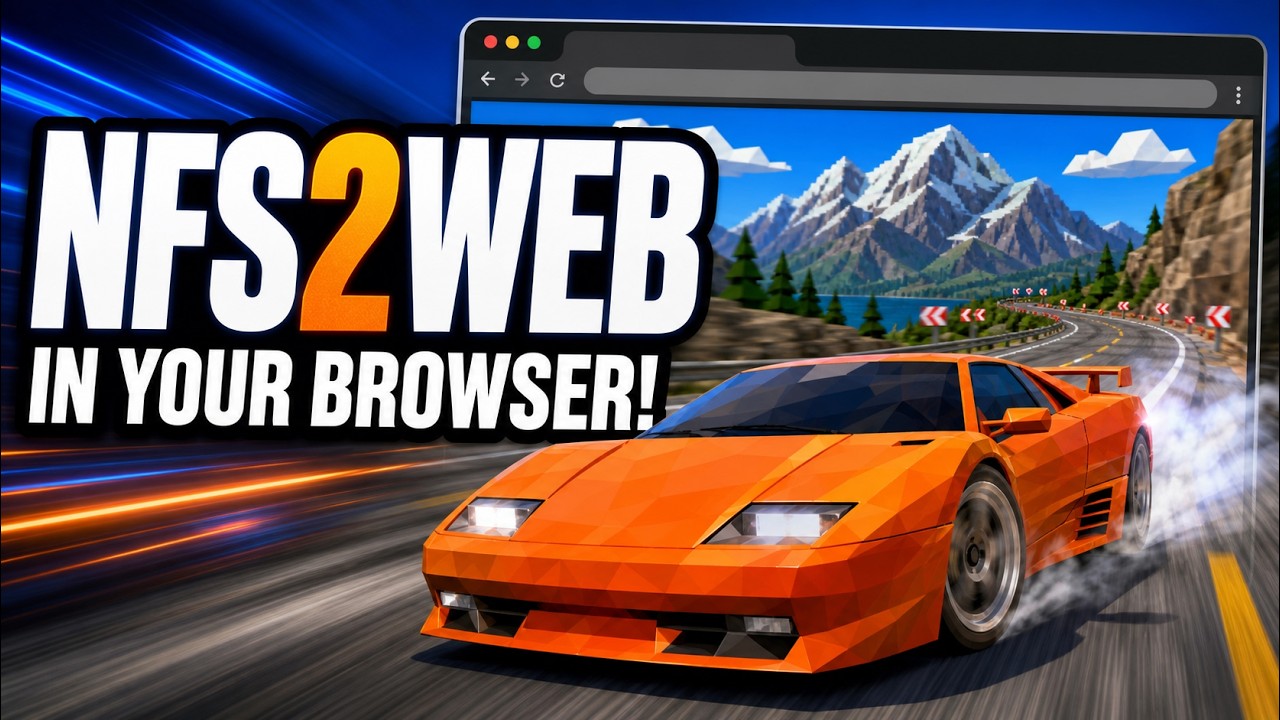
▶ Click the image to watch the gameplay video on YouTube
This fork includes an experimental browser build. It does not contain or download original EA game assets. Each player selects their own Need for Speed II Special Edition folder in the browser; the files remain on that device.
The browser UI includes fullscreen support. Use the on-canvas button or press
F; press Esc to leave fullscreen.
- Git with submodule support.
- Bash and a working internet connection for the initial Emscripten SDK setup.
- Python 3 to run the local development server.
- Node.js only when using the optional
scripts/lowercase-data.mjsutility. - A modern browser with WebAssembly, WebGL,
SharedArrayBuffer, and folder picker support. - A lawfully obtained copy of Need for Speed II Special Edition containing the
original
fedataandgamedatadirectories. Game data is not included.
The source tree also requires this pinned Git submodule:
| Path | Repository | Purpose |
|---|---|---|
src/Cpp |
zaps166/NFSIISE-CPP |
Translated C++ game code used by the WebAssembly build. |
Clone the repository, initialize its submodules, then build and run it locally:
git submodule update --init --recursive
scripts/bootstrap-emsdk.sh
scripts/build-web.sh
scripts/serve-web.sh
Open http://127.0.0.1:8080, choose the folder that contains both fedata
and gamedata, then wait while the browser loads the files. Paths are
normalized to lowercase inside the virtual filesystem, so the original files
on disk are not modified.
The web build uses pthreads and therefore must be served with
Cross-Origin-Opener-Policy: same-origin and
Cross-Origin-Embedder-Policy: require-corp. scripts/serve-web.sh supplies
these headers for local development. web/_headers supplies them on static
hosts that support a _headers file, such as Cloudflare Pages. GitHub Pages
cannot serve this build directly because it does not support the required
custom response headers.
| Script | Purpose |
|---|---|
scripts/bootstrap-emsdk.sh |
Downloads and activates the pinned Emscripten SDK inside .tools/emsdk. It does not install Emscripten system-wide. |
scripts/build-web.sh |
Checks the asset policy, compiles the wrapper to WebAssembly, and writes the site to web/dist. The default build contains no original game data. |
scripts/serve-web.sh |
Serves web/dist at http://127.0.0.1:8080 with the cross-origin isolation headers required by WebAssembly pthreads. Stop it with Ctrl-C. Set PORT=8081 (or another port) to change the port. |
scripts/serve_web.py |
Python HTTP-server helper used by serve-web.sh; it normally does not need to be run directly. |
scripts/check-no-assets.sh |
Fails if original fedata or gamedata files are tracked by Git. It is run automatically by the web build and CI. |
scripts/validate-data.sh PATH |
Read-only check for the expected NFS II SE directory layout and lowercase paths. It is used for data-embedded developer builds. |
scripts/lowercase-data.mjs DIR |
Renames files and directories in DIR to lowercase. This modifies the selected directory, so use it only on a backup/copy. It is not required by the browser folder picker. |
scripts/clean-web.sh |
Removes generated build-web and web/dist directories without touching original game files. Add --all to remove the repo-local Emscripten SDK too. |
For a local developer build that embeds locally owned data into an ignored artifact, use:
NFS_DATA_DIR="/path/to/nfs2se" scripts/build-web.shThis optional build copies fedata and gamedata into the generated,
Git-ignored web/dist artifact. It is for private local testing only; do not
deploy or redistribute that artifact.
Stop the development server with Ctrl-C, then remove generated compiler and
site output:
scripts/clean-web.shTo also remove the Emscripten SDK downloaded into this repository:
scripts/clean-web.sh --allThe browser folder picker does not install or permanently copy the selected game files. They live in the page's temporary in-memory filesystem and are discarded when the page is closed or reloaded. Cleanup never deletes the original folder selected by the user. To remove the entire project, stop the server, leave the repository directory, and delete the cloned repository with your operating system's file manager.
Never commit fedata, gamedata, nfs2se/, or generated web/dist/ files.
See PORTING.md for implementation details and current browser
limitations.
- The in-race minimap does not render correctly. Its frame and player markers may appear, but the track map itself is missing in the browser build.
NFS2WEB is an unofficial, independent, non-commercial fan project. It is not affiliated with, authorized by, endorsed by, or sponsored by Electronic Arts. Need for Speed, NFS, Electronic Arts, and all related names, logos, trademarks, game data, music, artwork, and other assets belong to their respective owners.
This repository does not distribute original Need for Speed II Special Edition game data. Users must provide files from their own lawfully obtained copy and are solely responsible for having the right to use them. Do not upload, deploy, share, or redistribute builds that embed copyrighted game data.
The MIT license in this repository applies only to the wrapper source code and related project files; it grants no rights to EA game assets or trademarks. The software is experimental and provided “as is,” without warranty. Use it at your own risk and in accordance with the laws that apply to you.