This is an AutoHotKey script for applying Rubymine shortcuts to the numpad.
I currently have 6 profiles. Selection, Editing, Tabs, Git, Run, Tools. I can switch between these using the function keys and the shortcuts for that profile will be applied to the numpad. The video below demonstrates switching between each mode using the function keys and using the pause/break key to display a diagram showing what each key now does.
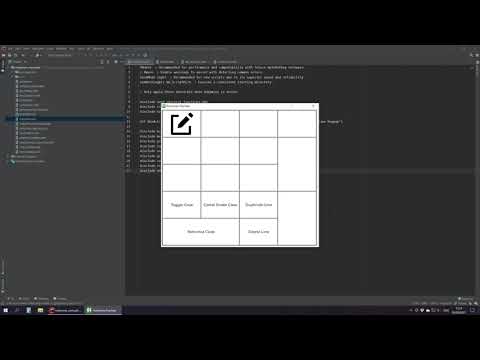
I recommend you just fork this and tailor it to your own needs rather than trying to use it as is. This was never intended for general use as it's highly customized to my workflow and will only function correctly if your Rubymine shortcuts match mine.
If for some reason you do decide to run it, you will need to do the following:
- Download the files to your machine
- Install AutoHotKey if have not already
- Import rubymine_keymaps.zip so your shortcuts match mine
- Run the rubymine.ahk script with AutoHotKey.