^ what he said
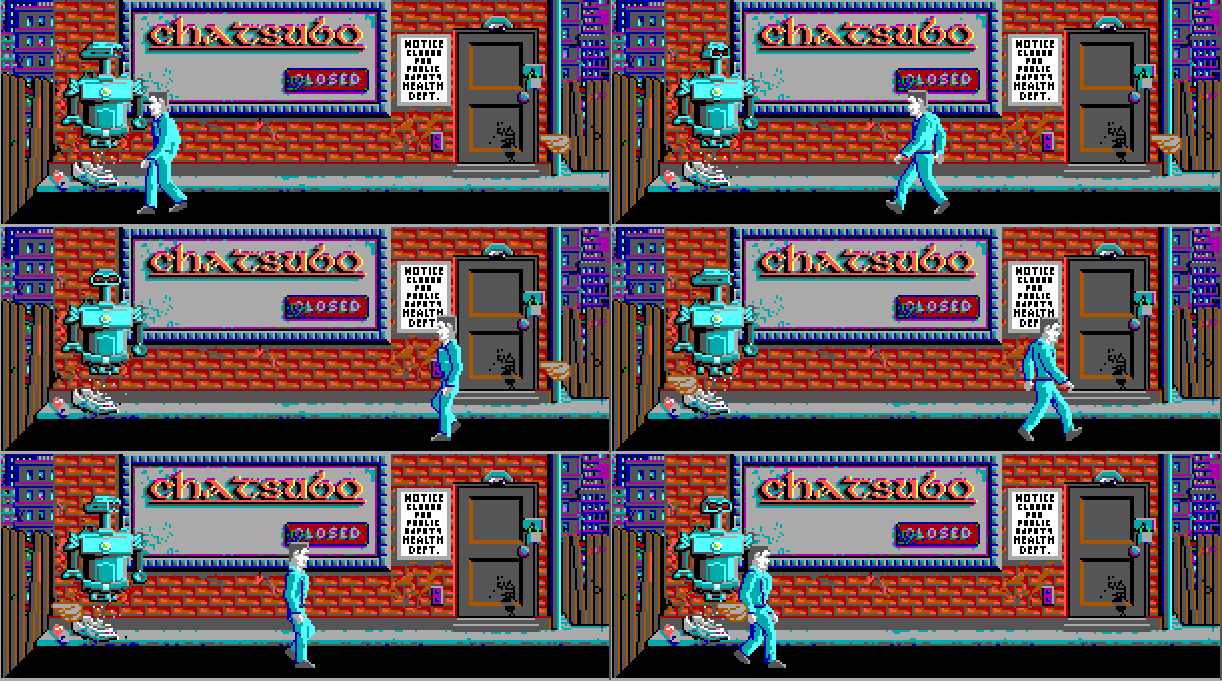
Reuromancer is a 64-bit Windows port of MS-DOS version of the Neuromancer game (Interplay Productions, 1988) based on the William Gibson's novel of the same name.
Basically there are three projects within one VS 2015 solution.
- LibNeuroRoutines - a library that contains reverse engineered Neuromancer general purpose algorithms;
- NeuromancerWin64 (startup project) - an engine itself. Currently it consumes CSFML (SFML bindings for C language) for multimedia things;
- ResourceBrowser - an MFC utility that allows to observe and export game resources from distribution .DAT-files.
LibNeuroRoutines is a standalone project. The other two are both dependent on LibNeuroRoutines and CSFML.
The only thing preventing me from make this portable is that LibNeuroRoutines contains some 64-bit MASM (Microsoft Macro Assembler) code. This MASM is nothing but chunks of original disassembled code tweaked to be compilable and runable on the 64-bit machine. No doubt that there are portable NASM/FASM/... but I need that code to be debuggable in my IDE and since it is MSVS 2015 - MASM is the winner.
In future it is planned to replace all MASM with the similar C-code. Following that there will be no problems running it on different platforms (except ResourceBrowser as this is the MFC-application).
- Get the sources (from this repo), extract it anywhere;
- Get CSFML build (Visual C++ / GCC - 64-bit), extract it to the directory named "External" (create it) that is inside the Reuromancer root folder;
- Open Reuromancer.sln in your Visual Studio (I use 2015, it also should work on 2013 and 2017, can't say about the others);
- Set build configuration to x64 Debug and build it!
- Build it (see above);
- Get Neuromancer MS-DOS distribution and copy .DAT-files to the directory where executables are located (./x64/Debug/) or to the project-specific subfolders if you run it from IDE;
- Copy CSFML binaries from "External" folder (./External/CSFML/bin/) to the directory where executables are located (./x64/Debug/);
- Get OpenAL Soft (Win32 and Win64 binaries), extract it anywhere. Copy ./openal-soft-1.18.2-bin/bin/Win64/soft_oal.dll to the directory where executables are located (./x64/Debug/) and rename it to the openal32.dll (CSFML Audio dependency);
- Run it!
ResourceBrowser:
- rewrite audio player using WinApi only to remove CSFML dependency.